
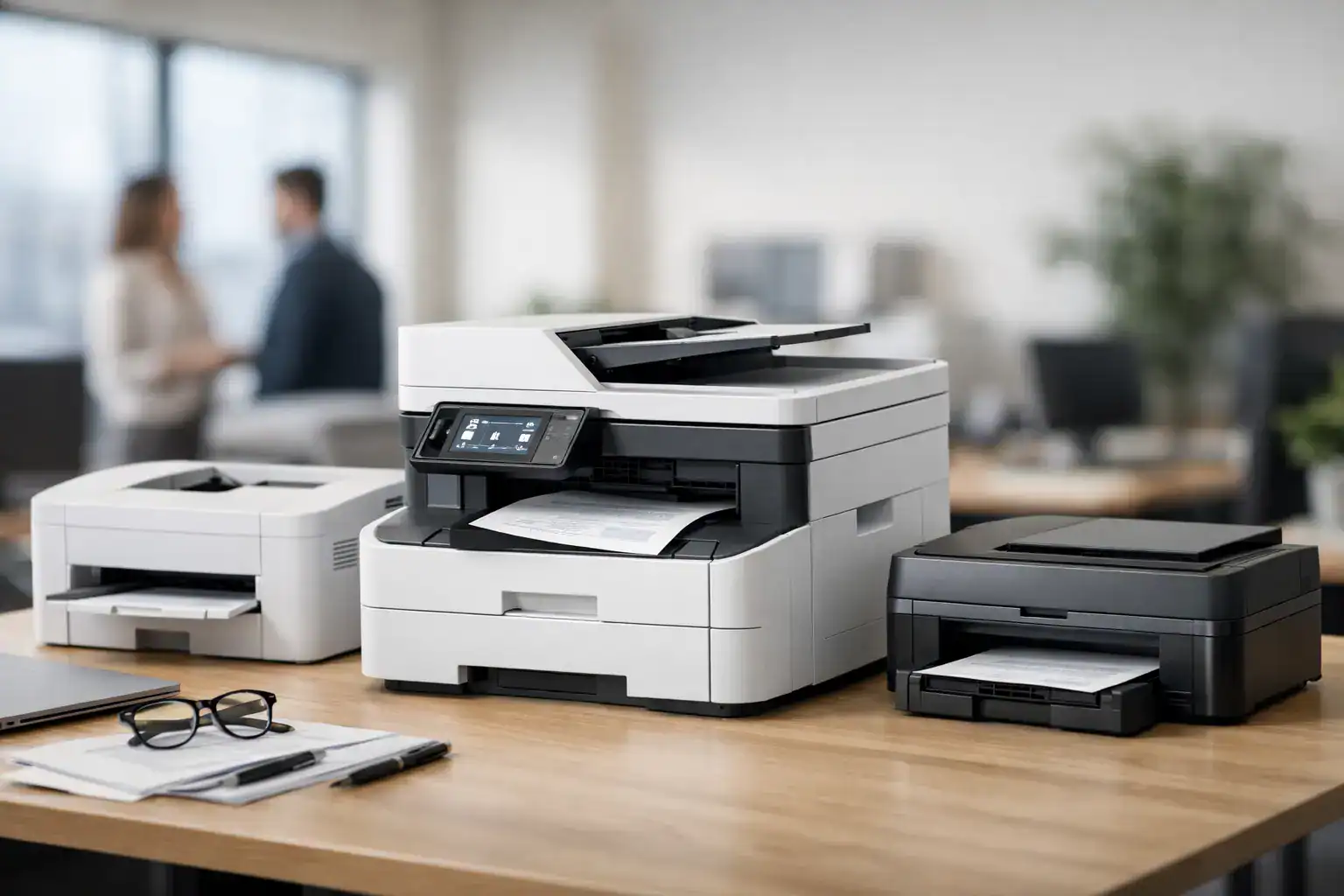
A printer problem rarely shows up as just a printer problem. It shows up as delayed invoices, stalled approvals, missed shipping labels, and teams waiting around for a device that should simply work. That is why choosing the best office printers for business is less about picking a popular model and more about matching print equipment to daily workload, document flow, and support expectations.
For procurement teams, office managers, and growing companies, the real question is not which printer has the longest feature list. It is which device can handle your volume, protect your documents, control running costs, and stay available when your team needs it. A low purchase price can look attractive at first, but if toner costs are high, maintenance is frequent, or the machine slows down under pressure, the total cost rises quickly.
How to identify the best office printers for business
The best fit starts with your office environment. A five-person admin team printing contracts and reports has very different requirements from a warehouse operation printing labels all day, or a regional office scanning and copying large batches of records. Print speed, monthly duty cycle, paper handling, and finishing options all need to reflect actual business use.
Monthly print volume is usually the first filter. If your team prints only a few hundred pages each month, a compact workgroup printer may be enough. Once you move into several thousand pages, a business-class multifunction printer becomes the safer choice. It is built for heavier workloads, larger paper capacity, and more predictable performance.
Functionality matters just as much. Many businesses no longer want separate devices for printing, scanning, and copying. A multifunction printer reduces equipment clutter and often improves workflow, especially where departments need to digitize records, email scans, or produce double-sided reports quickly. If your operation depends on signed forms, archived paperwork, or recurring internal documentation, scanning quality and document feeder performance are not small details. They directly affect productivity.
The main printer types businesses should consider
Laser printers remain the standard choice for most office environments. They are fast, efficient for high-volume printing, and generally deliver lower cost per page than inkjet devices in business settings. Monochrome laser printers are a strong option for companies that mostly print text-heavy documents such as invoices, statements, purchase orders, and internal reports.
Color laser printers make more sense when presentations, marketing materials, charts, or client-facing documents need a polished finish. They cost more upfront, and color printing increases running costs, but they can eliminate the need to outsource many everyday print jobs.
Inkjet business printers still have a role, particularly for smaller offices that need strong color output without committing to a larger machine. They can work well for lower print volumes and image-heavy documents, but they are not always the best long-term answer for businesses with demanding daily output. It depends on usage patterns. If the printer sits idle for long periods and then handles occasional color work, inkjet may still be practical. If it runs constantly, laser is usually the better operational decision.
Multifunction photocopier-style systems are often the right choice for mid-size and larger teams. These devices are designed for shared use, high paper capacity, centralized management, and advanced workflow features. They also fit businesses that want service-backed support, routine maintenance, and consistent uptime rather than one-off hardware purchases.
What separates a consumer printer from a real business printer
A business printer is built around continuity. It should support network printing without issues, handle multiple users at the same time, and keep pace during peak office hours. Consumer-grade devices often struggle once print queues grow or scanning becomes part of the daily routine.
Security is another clear dividing line. In a business setting, printers handle payroll files, contracts, HR records, and confidential client documents. Secure print release, user authentication, admin controls, and device monitoring are increasingly standard requirements. If a printer connects to your network, it should be treated like any other endpoint. That means it needs proper configuration, updates, and management.
Paper handling is often overlooked until it becomes a problem. A single tray may be enough for basic operations, but many offices need separate media types, legal-size paper, envelopes, or continuous replenishment to avoid interruption. Automatic duplex printing is now a baseline feature for cost-conscious organizations. It reduces paper waste and supports a more efficient document process.
Cost is more than the purchase price
When businesses compare the best office printers for business, the upfront device price gets too much attention. The more useful number is total operating cost over time. Toner yield, imaging components, service intervals, replacement parts, energy use, and downtime all affect the real budget impact.
A lower-cost printer with expensive consumables can become a costly asset within months. On the other hand, a higher-capacity machine with efficient toner usage and better reliability may produce a lower total cost of ownership, especially across busy departments.
This is where managed print services and rental models become relevant. Some businesses do not want capital tied up in print infrastructure, and many do not want the burden of monitoring supplies, arranging repairs, or replacing equipment reactively. A managed approach can turn printing into a controlled operating expense with service support built in. For growing companies, that often creates better visibility and fewer disruptions than piecemeal purchasing.
Features worth prioritizing in a business environment
Speed matters, but consistency matters more. A printer rated at high pages per minute on paper may still frustrate users if first-page-out time is slow, wireless connectivity is unstable, or scan workflows are awkward. In shared office settings, ease of use has a direct impact on staff efficiency.
Look for a clear control panel, dependable mobile and network printing, automatic document feeding, duplex scanning if your team handles double-sided records, and straightforward supply replacement. For larger offices, remote monitoring and user-based reporting can help control waste and track departmental usage.
Integration is another practical factor. If your company uses document management systems, shared drives, or cloud-based platforms, your printer should support those workflows without complicated workarounds. The right machine should reduce steps, not add them.
Choosing by business size and use case
Small offices usually benefit from compact multifunction laser printers that balance print, scan, and copy functions without taking over the workspace. The best choice is often a model with moderate paper capacity, solid black-and-white speed, and affordable consumables. These businesses usually need reliability first and advanced finishing features second.
Mid-size businesses tend to need more scalability. A departmental multifunction printer with stronger duty cycle, better scan throughput, and added trays can support multiple users with less interruption. At this stage, service response time starts to matter more because printer downtime affects entire teams, not just one desk.
Larger organizations or multi-department environments often need centralized print devices, fleet management, and service-level support. In these cases, standardizing across a few dependable platforms can simplify procurement, training, maintenance, and supply planning. It can also improve security oversight and cost reporting.
Specialized environments need a closer match. Legal offices may prioritize scanning, secure print release, and document clarity. Healthcare settings may focus on compliance, uptime, and fast records handling. Logistics operations often need rugged performance and high-volume label printing. There is no single model that fits every business well, which is why a needs-based assessment is more valuable than a generic top-10 list.
Why support and service should influence the decision
Even the right printer becomes the wrong investment if support is slow or inconsistent. Businesses should evaluate not only the hardware but also the service structure behind it. Fast maintenance response, access to genuine consumables, installation support, and preventative servicing all reduce operational risk.
For many companies, this is where a single-source provider creates real value. Instead of sourcing machines from one vendor, repairs from another, and supplies from somewhere else, businesses can consolidate equipment and service under one relationship. That approach typically improves accountability and shortens downtime. For organizations that prefer flexible procurement, Kayan Solutions supports this model through direct sales, rentals, and managed print services built around business continuity.
A smarter way to make the final choice
If you are selecting a printer for business use, start with workload, not brand preference. Estimate monthly print volume, define whether color is necessary, review scan and copy needs, and check whether security controls are adequate for your environment. Then compare the real operating cost and the quality of support available after installation.
The best office printers for business are the ones that fit your workflow, stay dependable under pressure, and keep your teams moving without constant attention. When print infrastructure is chosen carefully, it stops being a daily frustration and becomes what it should have been from the start – a dependable part of business operations.
A good printer does not need to impress anyone in the showroom. It needs to perform on a busy Tuesday morning when everyone is waiting on it.


Add comment