
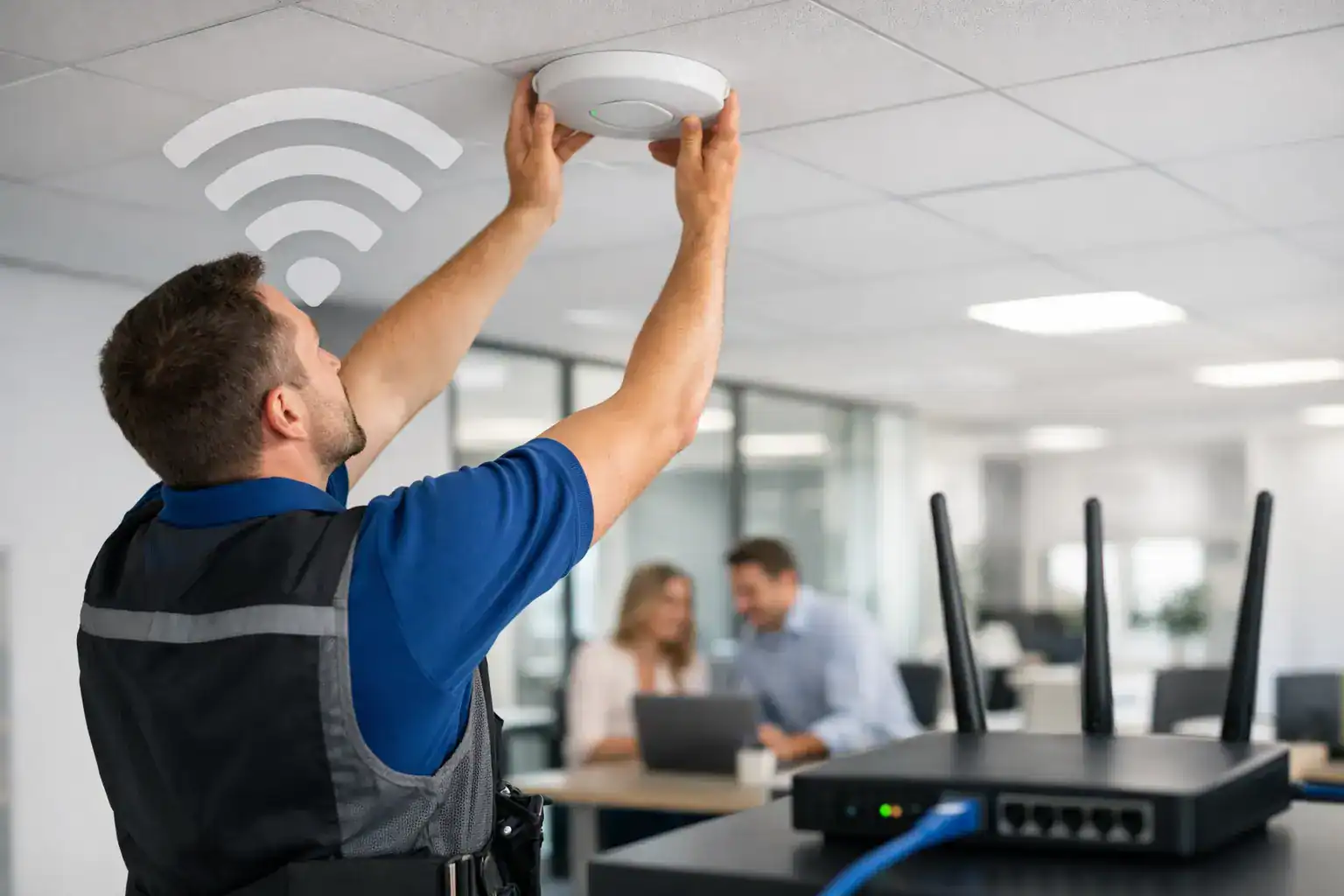
A weak office network rarely fails all at once. It shows up in dropped video calls, slow cloud apps, dead zones in meeting rooms, and support tickets that keep coming back. That is usually the point when businesses stop treating Wi-Fi as a simple utility and start looking for an office wifi installation service that can support daily operations properly.
For most companies, the issue is not just internet speed. It is network design, device density, office layout, security policy, and how well the wireless setup supports printers, laptops, VoIP, CCTV, guest access, and mobile staff at the same time. A business-grade installation should solve those problems together, not one at a time.
What an office wifi installation service should actually cover
A proper office Wi-Fi project starts well before any access point is mounted on a ceiling. The first requirement is understanding how the office works. A small admin office with ten users has very different needs from a multi-floor business with meeting rooms, shared workspaces, warehouse coverage, and separate guest traffic.
A dependable office wifi installation service typically begins with a site review. That includes floor layout, wall materials, interference sources, expected user count, number of connected devices, and the applications your team relies on every day. Video conferencing, cloud ERP systems, IP phones, wireless printing, and security cameras all place different demands on the network.
From there, the service should include network planning, hardware selection, installation, configuration, testing, and post-installation support. If any one of those steps is skipped, the result is usually predictable – uneven coverage, poor performance at peak times, or security gaps that become expensive later.
Why business Wi-Fi needs more than basic router setup
Consumer-grade equipment can appear cheaper at the start, but offices usually pay for that decision through downtime and repeated troubleshooting. A business network needs stable coverage across all working areas, controlled access for staff and guests, and enough capacity for many users to connect at once without a sharp drop in performance.
That matters even more when Wi-Fi supports critical workflows. If your printers are networked, your team uses cloud storage, and meetings depend on video calls, wireless instability starts affecting output directly. Operations managers and procurement teams are not buying Wi-Fi for its own sake. They are buying continuity, fewer interruptions, and a setup that does not need constant attention.
Security is another major difference. An office network should be segmented where needed, protected with the right authentication standards, and configured to control who can access what. Guest access should not expose internal devices. Shared offices and growing teams need policies that can be adjusted without rebuilding the network from scratch.
The most common problems businesses try to fix too late
Many offices only review their Wi-Fi after moving into a larger space, adding more employees, or shifting more work to cloud platforms. By then, the network has usually outgrown its original design. The signs are familiar: some rooms have excellent signal while others barely connect, performance drops in busy hours, and devices keep reconnecting between access points.
Another common issue is poor access point placement. Installing units based on convenience instead of coverage planning often creates overlap in some areas and weak spots in others. More hardware does not always fix that. In some cases, adding too many access points without proper channel planning increases interference and makes the network worse.
Cabling is also part of the equation. A well-designed wireless network still depends on the wired backbone behind it. If switching capacity, structured cabling, or power delivery is inadequate, the wireless layer will never perform as expected. That is why a complete service matters more than simply supplying devices.
What to expect during office Wi-Fi installation
A business-focused provider should keep the process straightforward and operationally practical. First comes assessment and planning. This stage defines coverage zones, capacity requirements, security structure, and whether the environment needs standard office access, guest networks, warehouse coverage, or outdoor extension.
Next comes equipment selection. The right hardware depends on office size, user volume, building construction, and growth plans. A lower-cost setup may suit a compact office with predictable usage. A larger business may need centrally managed access points, VLAN support, advanced roaming, and stronger monitoring tools.
Installation then covers structured placement, cabling, mounting, switch integration, controller setup where required, and network configuration. Testing should confirm signal quality, throughput, roaming behavior, and performance in actual working areas rather than just near the hardware itself.
The final stage is handover and support. That includes documenting the setup, setting access policies, confirming guest access rules, and making sure the business has a clear path for maintenance and future expansion. For many organizations, this is where the value of a service partner becomes clear. The network should not become another internal burden to manage without support.
Choosing the right office wifi installation service
Not every provider approaches business networking with the same level of discipline. Some simply install hardware and leave the client to deal with performance issues later. Others treat Wi-Fi as part of a wider office infrastructure strategy, which is usually the better fit for businesses that want fewer vendors and clearer accountability.
A strong provider should understand how wireless networking interacts with the rest of the office environment. That includes printers, PCs, laptops, CCTV systems, VoIP, shared devices, and managed IT requirements. The more connected your workplace becomes, the more valuable it is to work with a partner that can see the full operational picture.
Local support also matters. Response time is not a small detail when a network issue affects an entire office floor or interrupts customer-facing operations. Businesses should ask practical questions: Who handles support after installation? Is there monitoring or maintenance available? Can the network scale when headcount grows or a new branch opens?
Price matters, but lowest initial cost is rarely the best measure. A cheaper installation that requires repeated fixes, replacement hardware, or frequent downtime usually costs more over time. For procurement teams, total cost of ownership is the more useful benchmark.
When a standard setup is enough and when it is not
There are cases where a simple office Wi-Fi deployment is perfectly appropriate. A small office with limited users, basic browsing, email, and a few connected devices may not need advanced architecture. In that environment, the priority is reliable coverage, basic security, and straightforward support.
But once the business depends on heavier traffic, multi-room collaboration, wireless printers, camera systems, cloud applications, or guest access, the design requirements change. Capacity planning becomes more important than raw signal strength. Security structure becomes more important than a single shared password. Expandability becomes more important than a one-time hardware purchase.
That is why the right answer depends on usage, not just square footage. Two offices of the same size can require very different installations based on how many devices are active and how the business operates.
A smarter fit for growing offices
For growing companies, Wi-Fi should be planned with the next stage in mind. Adding staff, introducing more connected equipment, or expanding service areas should not force a full replacement after a short period. The better approach is to install a network that can be extended in a controlled way.
This is where working with a single-source office technology partner can simplify operations. A provider that already supports business equipment, networking, and service coverage can often coordinate installation more efficiently and reduce gaps between procurement, setup, and support. Kayan Solutions works in that model, helping businesses align office technology with practical day-to-day performance rather than treating each requirement as a separate purchase.
A good wireless network should feel invisible in the best sense. Staff connect quickly, meetings run without interruption, printers stay available, guest users stay separated, and your team can focus on work instead of troubleshooting signal issues. If your office Wi-Fi is creating friction, it is probably time to treat it as business infrastructure, not a side task.


Add comment