
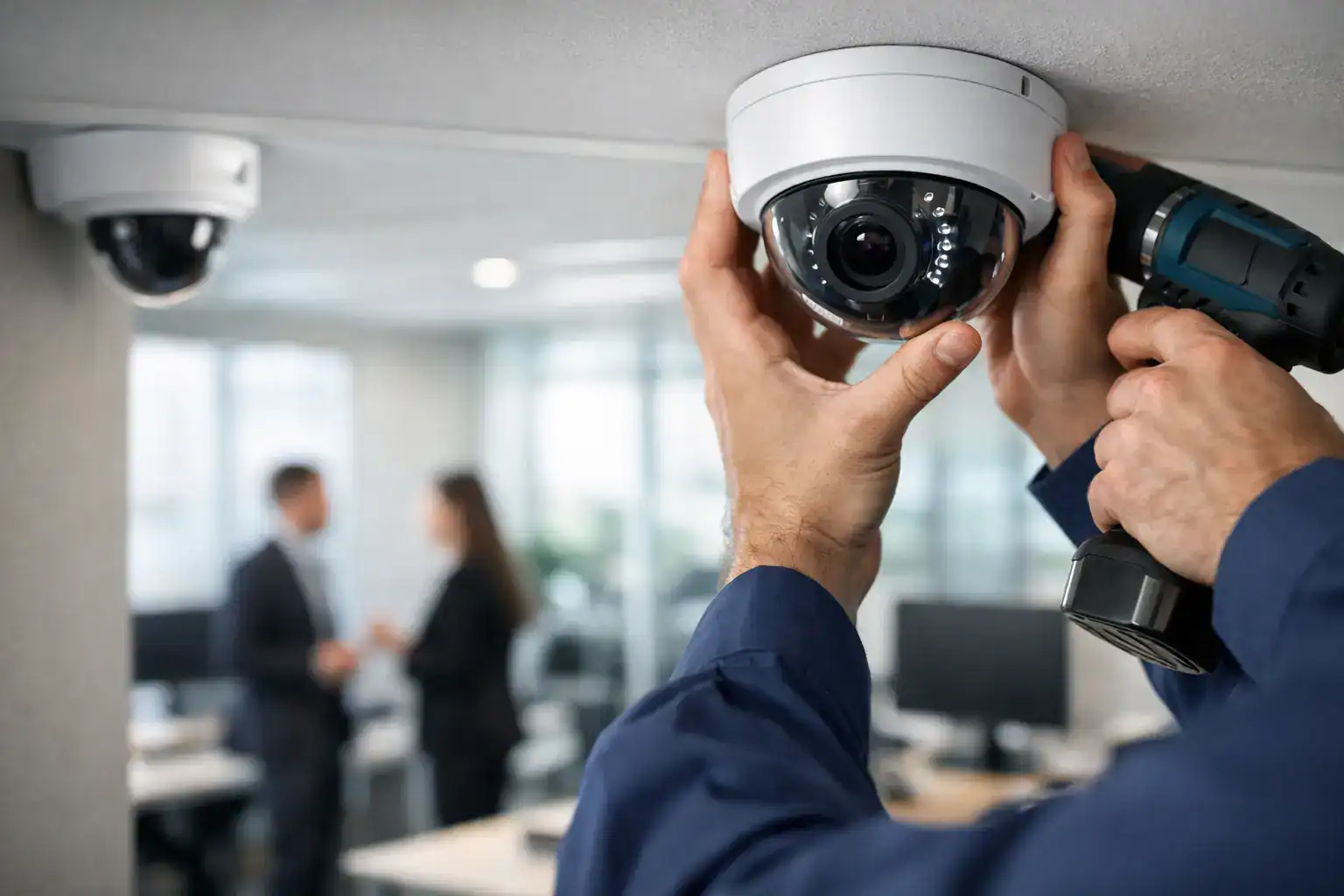
A camera placed in the wrong corridor can create a false sense of security. It records activity, but not the moments that matter – who entered, where they went, or what happened near sensitive assets. That is why CCTV installation for offices should never start with camera counts alone. It should start with risk, layout, and day-to-day operations.
For office managers, procurement teams, and operations leaders, the real goal is not just surveillance. It is better control of the workplace, fewer blind spots, stronger incident documentation, and a security setup that supports business continuity without creating unnecessary complexity.
What office CCTV should actually solve
An office environment has different security demands than a retail floor or warehouse. Visitor traffic, employee access, meeting rooms, reception areas, shared devices, server spaces, stock rooms, and parking access all create different exposure points. A good system helps you monitor those areas in a way that fits your workflow.
That usually means balancing deterrence with usability. Visible cameras at entry points can reduce unauthorized access attempts. Internal cameras in critical zones can help verify incidents, support policy enforcement, and protect company assets. But too much coverage in the wrong areas can create privacy concerns and lead to wasted budget.
The best results come from defining the business purpose first. Some offices need clear front-desk coverage and after-hours monitoring. Others are more concerned with restricted rooms, branch oversight, or integrating surveillance with existing network infrastructure. It depends on the size of the site, the value of on-premise assets, and how your team uses the space every day.
Planning CCTV installation for offices
Effective CCTV installation for offices starts with a site review, not a product catalog. You need to understand entrances, choke points, circulation routes, lighting conditions, and the places where incidents are most likely to happen. That includes areas such as reception, main corridors, emergency exits, cash handling points, file storage, IT rooms, and parking access.
Camera placement should follow sightlines and purpose. A reception camera may be designed for facial identification. A corridor camera may be better suited for movement tracking. A loading area camera may need wider coverage and stronger low-light performance. Using the same camera type everywhere often leads to poor results in at least one key zone.
Network capacity matters as much as physical placement. High-resolution cameras generate significant traffic and storage demand, especially when recording continuously. If your office already relies heavily on cloud applications, VoIP, and shared business systems, surveillance traffic needs to be planned carefully. Otherwise, a security upgrade can create performance issues elsewhere.
Power, cabling, and retention requirements should also be addressed early. Some offices can support a straightforward wired deployment. Others may need a phased approach because of existing fit-out constraints, working hours, or leased premises. A practical installation plan accounts for these realities before implementation starts.
Choosing the right camera coverage
More cameras do not always mean better protection. Coverage quality matters more than quantity. A well-designed office setup usually combines broad overview cameras with more focused cameras at decision points, such as entrances, elevators, server rooms, and document storage areas.
Resolution should match the task. If you need to identify individuals, image clarity at the target distance is critical. If the goal is general activity monitoring, wider-angle coverage may be enough. This distinction affects cost, storage, and long-term usefulness.
Lighting is another common issue. Offices often have mixed lighting conditions – bright reception areas, dim corridors after business hours, glass-heavy meeting spaces, and parking zones with varying exposure. Cameras selected without considering these conditions can produce footage that looks acceptable during the day and unusable at night.
There is also a policy side to placement. Cameras should support security without intruding into spaces where employees expect greater privacy. A clear deployment policy, supported by proper signage and internal communication, helps reduce confusion and supports responsible system use.
Storage, access, and monitoring decisions
Video footage is only valuable if it is available when needed. That makes storage planning a business decision, not just a technical one. Offices typically need to decide how long footage should be retained, who can access it, and how quickly recordings can be retrieved during an incident review.
Local recording can offer direct control and predictable access, while cloud-based options may simplify remote management and reduce some on-site hardware requirements. Neither approach is automatically better. The right choice depends on your IT environment, compliance needs, internet reliability, and internal management capacity.
Access control is equally important. Not every manager should have unrestricted access to live and recorded footage. Role-based permissions help maintain confidentiality and reduce misuse. In multi-branch operations, centralized visibility can be useful, but only if it is organized properly and supported by clear authority levels.
Monitoring expectations should also be realistic. Many offices install CCTV assuming someone will constantly watch live feeds, but that is rarely practical. In most cases, the system’s real value is event review, alert-based response, and post-incident verification. If active monitoring is required, that should be planned as an operational function, not assumed as a side task.
Integration with broader office security
CCTV works best when it is part of a wider office infrastructure plan. When surveillance stands alone, teams often miss opportunities to improve response time and simplify administration. Integrating cameras with access control, networking, and remote support tools can create a more useful and manageable environment.
For example, pairing CCTV with door access records can help confirm who entered a restricted area and when. Linking camera views to reception procedures can improve visitor oversight. In offices with multiple sites, remote visibility can support management consistency and faster escalation.
This is where working with a provider that understands broader office technology can make a difference. A security system affects network usage, power planning, support requirements, and physical office operations. Companies such as Kayan Solutions often add value by viewing CCTV as part of the total office environment rather than a disconnected hardware purchase.
Common mistakes that increase cost later
One of the most common issues is under-scoping the project. Businesses focus on upfront price, then discover that key areas were missed, storage is insufficient, or remote access was never configured properly. Correcting these gaps later is usually more disruptive and more expensive than getting the design right at the start.
Another mistake is choosing equipment based only on brand familiarity or headline specifications. A camera with strong technical specs may still be the wrong fit if it does not perform well in the actual environment. Installation quality, placement accuracy, and system configuration often matter more than spec sheet comparisons.
Support is another area where short-term buying decisions can create long-term friction. Offices need a clear path for maintenance, troubleshooting, and future expansion. If a camera fails, a recorder fills up unexpectedly, or remote access stops working, response time matters. A low-cost install without dependable service backing can quickly become a business risk.
What decision-makers should ask before approval
Before signing off on any office surveillance project, it helps to ask direct operational questions. What incidents are we trying to reduce or document? Which areas are critical, and why? How long do we need footage retained? Who will manage access? How will this affect the network? What support is available after installation?
These questions keep the project tied to business outcomes instead of just equipment counts. They also help procurement teams compare proposals more accurately. Two quotes can look similar on paper while delivering very different levels of coverage, usability, and ongoing support.
A strong proposal should explain the logic behind the design, not just list hardware. It should show how the system fits the site, how footage will be stored, what the support model looks like, and how future expansion can be handled if the office grows.
Why the right installation matters more than the lowest quote
Office surveillance is one of those systems that only gets attention when something goes wrong. That makes quality installation especially important. If footage is unclear, coverage is incomplete, or retrieval is slow during an incident, the savings from a cheaper quote disappear quickly.
A well-planned CCTV installation for offices supports security, accountability, and operational confidence. It protects assets, helps verify events, and gives management better visibility without overcomplicating daily work. Most businesses do not need the biggest system. They need the right one, installed with a clear understanding of how their office actually functions.
If you are planning a new setup or replacing an outdated one, start with the practical question that matters most: what should this system help your business see, prevent, and prove?


Add comment