
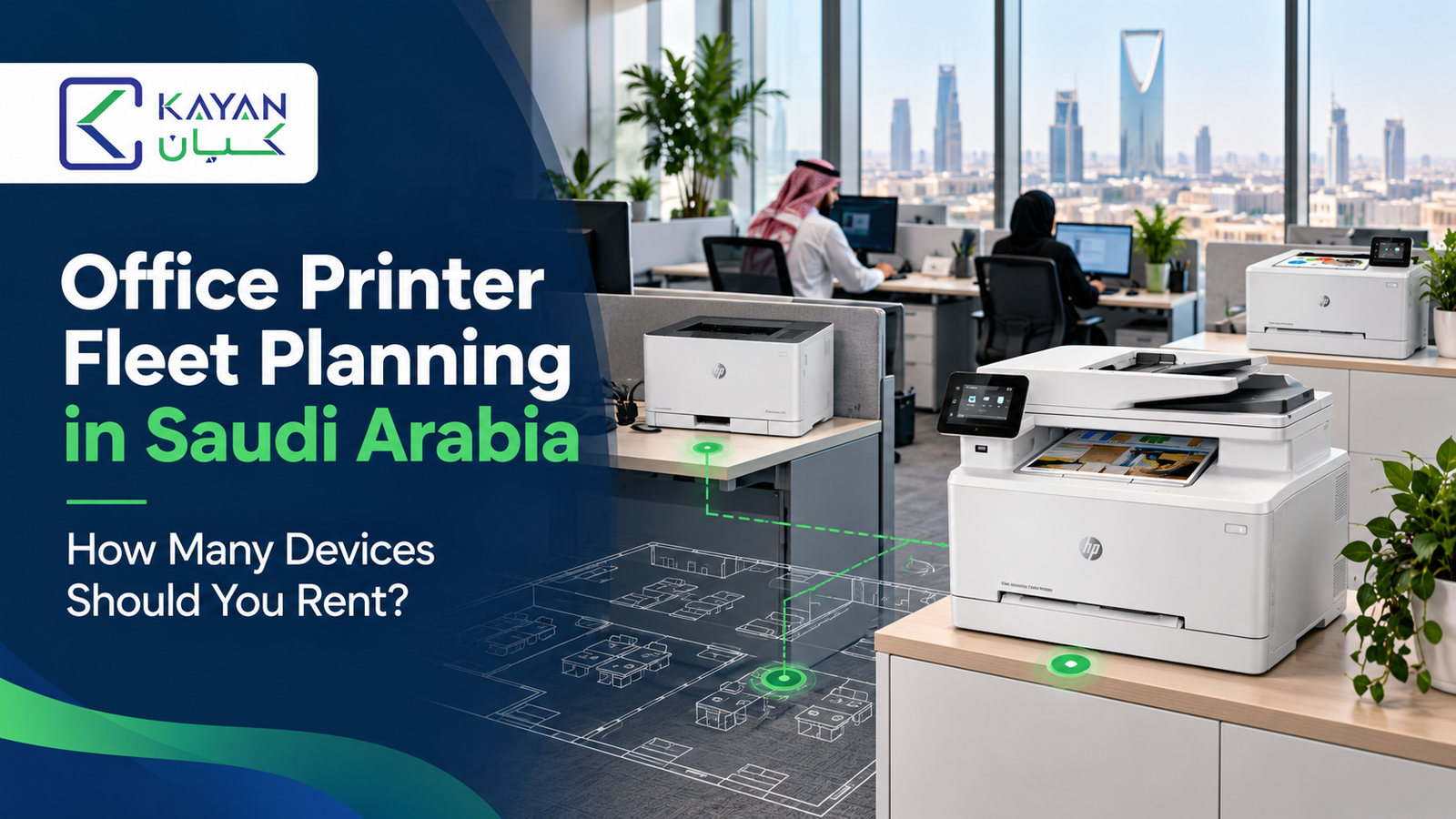
One printer can halt an office when it fails. Too many devices can mean paying for capacity that goes unused. The right Office Printer fleet has enough machines in the right places, with usage and support terms that fit the business.
Quick answer: There is no reliable “one printer per X employees” rule. Start with each site’s monthly and peak print volume, the need for color and scanning, walking distance between teams, and the cost of downtime. A compact office might start with one shared multifunction device. Separate floors, branches, confidential workflows, or heavy peak demand may justify more. Test the proposed fleet against real usage before committing to a long rental term.
For teams in Jeddah, Riyadh, Dammam, or other Saudi cities, fleet planning also requires service coverage at each location. Here is how to choose a starting number and compare proposals.
What is an office printer fleet?
A printer fleet includes all printers, copiers, and multifunction devices across departments and sites. Planning decides what to keep, rent, relocate, or replace, and where to place each machine.
Rental gives access to equipment for an agreed term. Managed print services may add reporting, supplies, maintenance, and ongoing review. A rental fee alone does not guarantee these services. Canon describes managed print as beginning with an assessment of devices, volumes, and costs, followed by implementation and review. Canon’s managed print overview explains the process.
Step 1: Measure what each office actually prints
Collect recent meter readings or reports for at least a typical month and a busy month. Count black-and-white and color pages separately. Note large print jobs, scanning, copying, paper sizes, and how often users wait for a device. Include owned printers, rented machines, and small desktop devices that may have been purchased without central approval.
| Measure | Why it affects fleet size | Where to find it |
|---|---|---|
| Monthly pages by site | Shows the base workload for each location | Device meters or invoices |
| Peak-day and peak-hour jobs | Reveals queues a monthly average hides | Print logs and team interviews |
| Color versus monochrome | Helps avoid paying for color capacity everywhere | Usage reports and sample jobs |
| Scans and copies | Determines where a multifunction device is needed | Staff workflow review |
| Device location and users | Exposes long walks, crowded stations, and isolated teams | Floor plan and device inventory |
| Faults and downtime | Identifies where backup capacity matters | Helpdesk tickets and staff feedback |
Do not use page count alone. A lightly used device next to a confidential workflow may still have a purpose, while two busy printers beside each other could perhaps be replaced by one suitable machine. Brother recommends tracking volume, color use, idle devices, and service incidents when reviewing a multi-site fleet. Brother’s multi-site guide provides a useful reference.
Step 2: Divide the workplace into practical print zones
Mark departments, floors, reception areas, and branch offices on a simple plan. Then ask who needs to print at the same time and who can reasonably share a device. A shared Office Printer near a central work area may serve a compact team well. A second floor, a distant warehouse desk, or a reception counter that prints continuously may need its own access point.
Consider the journey documents take. Staff handling sensitive client records may need secure print release rather than a dedicated machine; a team printing shipping labels may need a different device type. Measure the workflow before adding hardware. More printers do not automatically mean faster work if they are in the wrong places.
Step 3: Assign each device a clear role
Choose roles before models. One multifunction printer could handle routine monochrome pages, copying, and scanning. A smaller color device might serve a design or sales team. A specialist label printer belongs in a shipping workflow and should not be counted as a substitute for an A4 office machine.
Compare the expected monthly load with a candidate machine’s recommended monthly print volume, not only its advertised maximum duty cycle. The recommended range is intended to support ongoing performance and device life; the maximum is a different specification. Brother explains the two measures in its product specifications. Also check paper capacity, duplex printing, scanning speed, network compatibility, and accessibility for staff.
The practical starting equation is: required devices = the smallest set that covers every necessary print zone and peak workload, while meeting the required backup plan. It is a planning test, not a fixed ratio. Ask suppliers to explain why each proposed unit is necessary.
Step 4: Plan for peaks and failures
Monthly totals can hide a rush on invoice day or at the end of a reporting period. If several people send long jobs at once, a single device may cause queues even when its monthly capacity looks adequate. Ask staff when delays occur, and test print and scan workflows at a busy time.
Decide what should happen if the main device stops. A small office might accept a defined repair response and temporary replacement. A time-critical operation may need another suitable printer already onsite. A backup does not have to match the primary device’s full feature set, but it must handle the essential documents. Write this requirement into the service agreement rather than assuming a second machine will always be available.
Step 5: Treat branches as separate service locations
A Riyadh device cannot provide physical backup for an office in Jeddah. Each branch needs a workable local plan even if purchasing and reporting are managed centrally. Confirm installation, toner delivery, onsite support coverage, and escalation for every city named in the contract.
Central policies can standardize device settings, access, and monthly reports. Brother’s multi-site guide notes that locations can still have equipment suited to their needs.
Example: How many printers might three Saudi offices rent?
The following is an illustrative starting plan, not a recommended ratio or a quotation. A site survey could change every device choice.
| Example site | Assumed monthly use | Initial rental plan | What could change the count? |
|---|---|---|---|
| Jeddah headquarters, 18 staff | 3,000 pages, mostly monochrome; regular scanning | One shared multifunction device | Add a backup or separate work-zone device if queues or downtime are costly |
| Riyadh branch, 9 staff | 1,400 pages; some color proposals | One color-capable multifunction device | Use a different configuration if color jobs are rare or mostly outsourced |
| Dammam office, 4 staff | 400 pages; occasional scanning | One compact multifunction device | Buying instead of renting may be simpler if support and volume needs are modest |
This example starts with three devices across three sites, then tests whether Jeddah needs a fourth for continuity. It does not suggest that every office requires a rental machine. The decision depends on access, workload, service coverage, and total cost.
Compare the total cost, not the device count alone
Fewer machines can lower the fixed rental fee but increase walking time, queues, or color overages. More machines may provide convenient access but add monthly charges and maintenance complexity. Request a quote that separates the base rental, included page allowance, black-and-white and color overage rates, toner, parts, installation, software, and travel.
For each proposal, estimate annual cost = fixed rental fees + expected excess pages + excluded supplies + other service and setup charges. Compare that figure with the cost of keeping owned devices or buying new ones over the same period. Include internal time spent handling failures where it is material, but do not invent a savings percentage before measuring it.
| Contract question | Why it matters |
|---|---|
| What model and recommended volume will each site receive? | Prevents underpowered or unnecessarily large devices |
| Are page allowances pooled across devices or billed separately? | Changes overage costs when branches print unevenly |
| Is toner included for both color and monochrome output? | Clarifies the true running cost |
| What do response, onsite attendance, and restoration mean? | Makes downtime expectations measurable |
| Can devices be moved, added, or removed during the term? | Helps the fleet adapt to staffing and branch changes |
| What happens at renewal or return? | Exposes notice periods, collection fees, and data-handling duties |
Review the fleet after rollout
Plan a review after the first few months. Compare actual pages, queues, service tickets, and user feedback with the assumptions used in the quote. Relocate an underused device only after checking whether it serves a specialist or confidential need. If a busy station repeatedly fails, assess the machine, workload, and support response before simply ordering another printer.
Kayan Solutions’ managed printing process includes device inventory, usage monitoring, cost evaluation, and fleet consolidation. Its rental offering describes short- and long-term options with setup and maintenance support. Contact Kayan Solutions for a site-by-site proposal naming the devices, service coverage, and contract terms.
FAQs about office printer fleet rental in Saudi Arabia
How many office printers should a small business rent?
Start with one shared multifunction device if a compact office can access it without queues and its volume fits the model’s recommended range. Add a device when a separate location, peak demand, specialist workflow, or downtime risk makes sharing impractical. There is no universal employee-to-printer ratio.
Is one printer enough for an entire floor?
Sometimes. Look at walking distance, simultaneous jobs, scanning needs, and confidentiality. A centrally placed machine may work for one floor, while a spread-out or high-volume floor may need more than one print zone.
Should each Saudi branch have its own printer?
If the branch must produce physical documents onsite, it needs local access to an appropriate device. The best rental or purchase choice depends on volume and service availability in that city. A central team can still manage reporting and policies.
Can black-and-white and color devices share one rental contract?
Often they can, but the supplier must confirm how each device, page allowance, and overage rate is billed. Ask whether allowances are pooled across the fleet and whether color toner is included.
Does a rental agreement include managed print services?
Not necessarily. Equipment rental, supplies, monitoring, reporting, maintenance, and security controls are separate elements that may be bundled. Check the written scope for each feature you need.
When should a business reassess its printer fleet?
Review it after rollout and whenever staffing, locations, print volume, or workflows change materially. Monthly usage reports and service tickets can show when a device should be moved, upgraded, or removed.


Add comment