
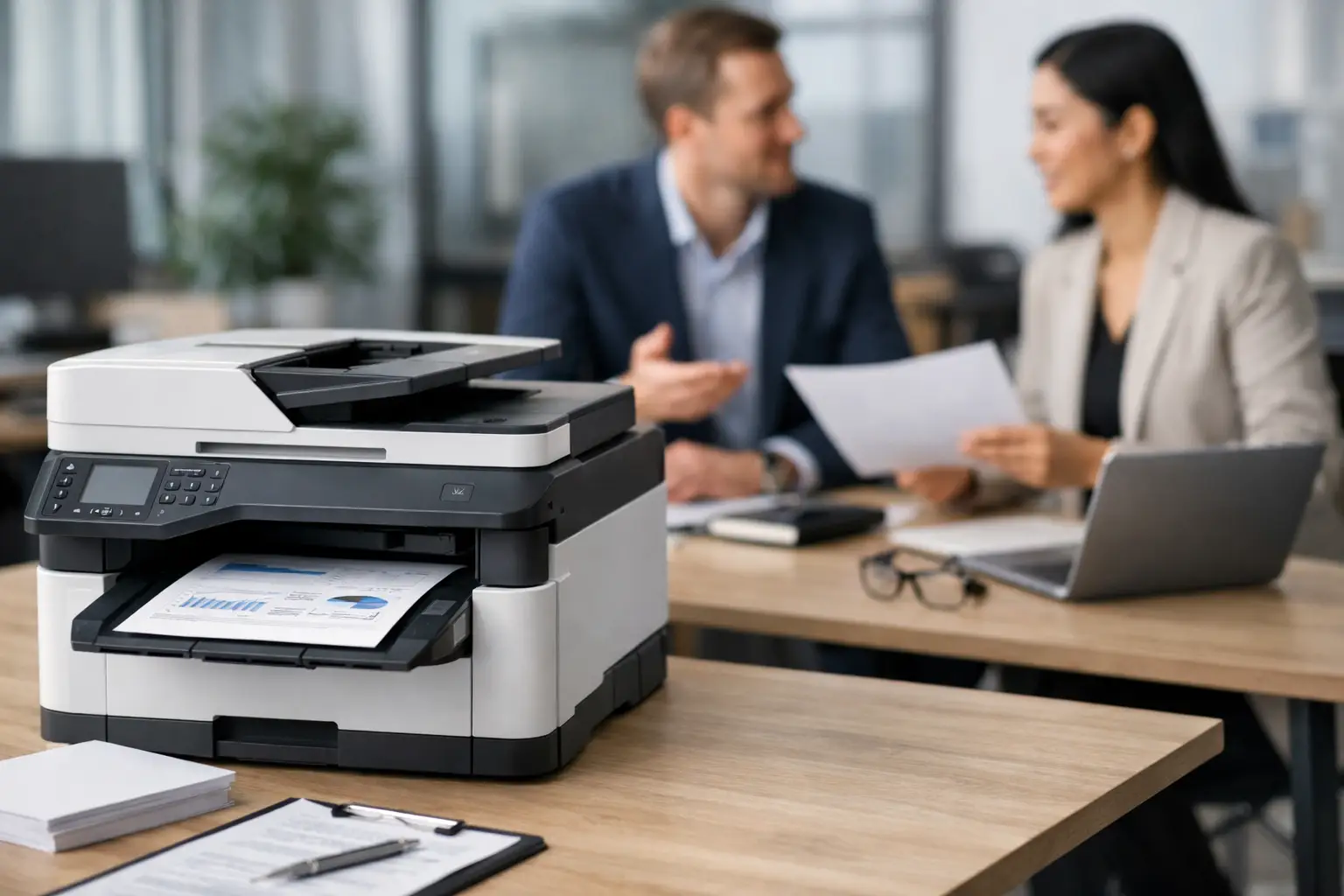
A printer becomes a procurement problem the moment it stops being just a printer. One team wants fast color output, another needs secure document handling, finance wants predictable costs, and operations wants fewer service calls. That is exactly why a business printer procurement guide matters – it helps buyers make decisions based on business requirements, not just sticker price.
What a business printer procurement guide should solve
For most organizations, printer purchasing is tied to broader operational questions. How many users will rely on the device? Is print volume steady or seasonal? Do you need a single office printer, a fleet of multifunction devices, or a managed environment across multiple departments?
A strong procurement process should answer those questions early. If it does not, businesses often end up overbuying capacity, underestimating supply costs, or choosing devices that create support issues later. The lowest upfront price can easily turn into the highest long-term cost when toner usage, maintenance, downtime, and replacement cycles are added.
That is why procurement teams should treat printers the same way they treat other business infrastructure. The decision affects cost control, employee productivity, IT workload, and service continuity.
Start with usage, not brand
Brand matters, but it should come after use case. Procurement teams often narrow options too early based on familiarity with a manufacturer. A better approach is to define what the business actually needs the printer to do.
Begin with print volume. A front-office team printing a few hundred pages a month has different needs than a finance department producing invoices all day or a design team requiring consistent color output. Monthly page volume is one of the clearest indicators of which device class makes sense.
Next, define whether the business needs print only or multifunction capability. In many offices, scan, copy, and document workflow features are just as important as printing. A lower-cost printer may seem attractive until staff still need a separate scanner or copier.
Paper handling is another point buyers often overlook. Tray capacity, paper sizes, duplex printing, finishing options, and media compatibility can affect day-to-day efficiency. If employees constantly reload paper or work around device limits, those small delays add up.
Buying, renting, or managed print
A practical business printer procurement guide should not assume that buying is always the best route. In many organizations, the better decision depends on cash flow, growth plans, and service expectations.
Buying works well when usage is stable, internal support is available, and the company prefers capital ownership. It can be cost-effective over time, especially for businesses with predictable demand and a clear replacement plan. The trade-off is that maintenance, supply planning, and device lifecycle management usually remain the buyer’s responsibility unless separate service agreements are added.
Rental is often a better fit for short-term projects, temporary offices, events, expanding teams, or businesses that want lower upfront costs. It gives organizations more flexibility and can reduce the risk of being locked into equipment that no longer fits operational needs a year later.
Managed Print Services are often the strongest option for businesses focused on uptime and cost visibility. With MPS, the conversation shifts from buying hardware to managing output. That includes supply replenishment, maintenance support, usage monitoring, and service response. For offices trying to reduce internal admin effort, this model often delivers better control than fragmented purchasing.
There is no universal answer here. A single-site business with modest output may be well served by direct purchase. A growing company with multiple devices and limited internal support may benefit more from rental or managed service.
Look beyond device price
Printer procurement decisions often go wrong because teams compare hardware prices while ignoring total cost of ownership. In practice, the purchase price is only one part of the financial picture.
Consumables usually account for a significant share of ongoing cost. Toner yield, drum life, maintenance kits, and page coverage assumptions all affect the true operating expense. Two machines with similar pricing can perform very differently once supply consumption is measured over 12 to 36 months.
Service costs matter just as much. If a device is inexpensive but unreliable, every breakdown creates a chain reaction – interrupted work, support tickets, delayed output, and possible outsourcing of urgent print jobs. Reliability should be treated as a financial metric, not just a technical one.
Energy use, user training, and administrative time also belong in the calculation. A device that is easy to support and simple for staff to use often creates savings that never show up on the original quote but have real operational value.
Security and compliance are procurement issues
Business printers are networked endpoints, not isolated office machines. That changes the procurement standard completely. If a device stores data, connects to email, scans to folders, or allows user authentication, it needs the same scrutiny as other connected business technology.
Procurement teams should ask whether the device supports secure print release, user access controls, data encryption, firmware updates, and audit features. In regulated environments, those capabilities are not optional.
This is especially relevant for HR, finance, healthcare, legal, and government-facing operations where printed or scanned documents may contain sensitive information. A lower-cost printer without proper security controls can create risk that outweighs any savings.
Service coverage should be defined before the order
Support is often treated as a post-purchase issue. That is a mistake. Procurement should define service expectations before selecting the device or provider.
Ask practical questions. What is the expected response time for a breakdown? Are parts and consumables stocked locally? Is preventive maintenance included? Who handles installation, network setup, and user onboarding? If a device fails, is there a replacement process?
These details affect business continuity more than many hardware specifications. For organizations operating across multiple offices or high-output departments, service consistency can be the deciding factor between a workable fleet and a constant support problem.
This is where a single-source provider can bring real value. When the same partner handles procurement, supply, and support, there are fewer handoffs and less time lost coordinating between vendors. For many businesses, that simplification is as valuable as the equipment itself.
How to compare vendors in a business printer procurement guide
A vendor should be assessed on fit, not just availability. Product range matters because businesses need options across print volumes, departments, and budgets. Access to major brands is useful, but only when matched with clear advice on which model suits the workload.
Commercial flexibility is also important. Some buyers need outright purchase, while others need rental, service contracts, or full managed print. A provider that can support multiple procurement models is better equipped to align with business priorities.
Then there is responsiveness. Fast quoting, deployment planning, installation support, and after-sales service all influence the success of the procurement decision. For buyers who want one partner for office equipment and broader IT support, the relationship should reduce complexity, not add another layer of administration.
For example, a provider such as Kayan Solutions fits organizations looking for both equipment access and service-backed support, especially when procurement decisions are tied to ongoing office operations rather than one-time purchasing.
A practical shortlist process
The best procurement teams reduce risk by narrowing choices in stages. First, define the environment – user count, monthly print volume, color needs, paper handling, workflow requirements, and security expectations. Then match those requirements to a suitable device category rather than a specific model.
After that, compare commercial options. Review whether buying, renting, or managed print produces the best balance of cost control, flexibility, and support. Only then should you compare device specifications and vendor proposals.
It also helps to pressure-test the shortlist against real operating conditions. Can the device handle peak volume? Is the supply model predictable? What happens if your print needs grow in six months? Procurement should account for likely change, not just current demand.
Common mistakes to avoid
Most printer procurement problems are predictable. Businesses either buy too much machine for too little usage, or too little machine for heavy workloads. They ignore service terms, underestimate consumable costs, or assume all multifunction devices offer the same workflow and security capabilities.
Another common issue is buying in isolation. A printer decision should connect to the wider office technology environment, including networking, endpoint management, user access, and support structure. When procurement is disconnected from operations and IT, hidden costs appear later.
The stronger approach is straightforward. Choose based on workload, total cost, service model, and support coverage. If a vendor can explain the trade-offs clearly and align the solution with business output, you are much closer to a sound investment.
Printer procurement is rarely about finding the cheapest box. It is about putting dependable equipment, predictable costs, and responsive support behind the teams that keep the business moving.


Add comment