
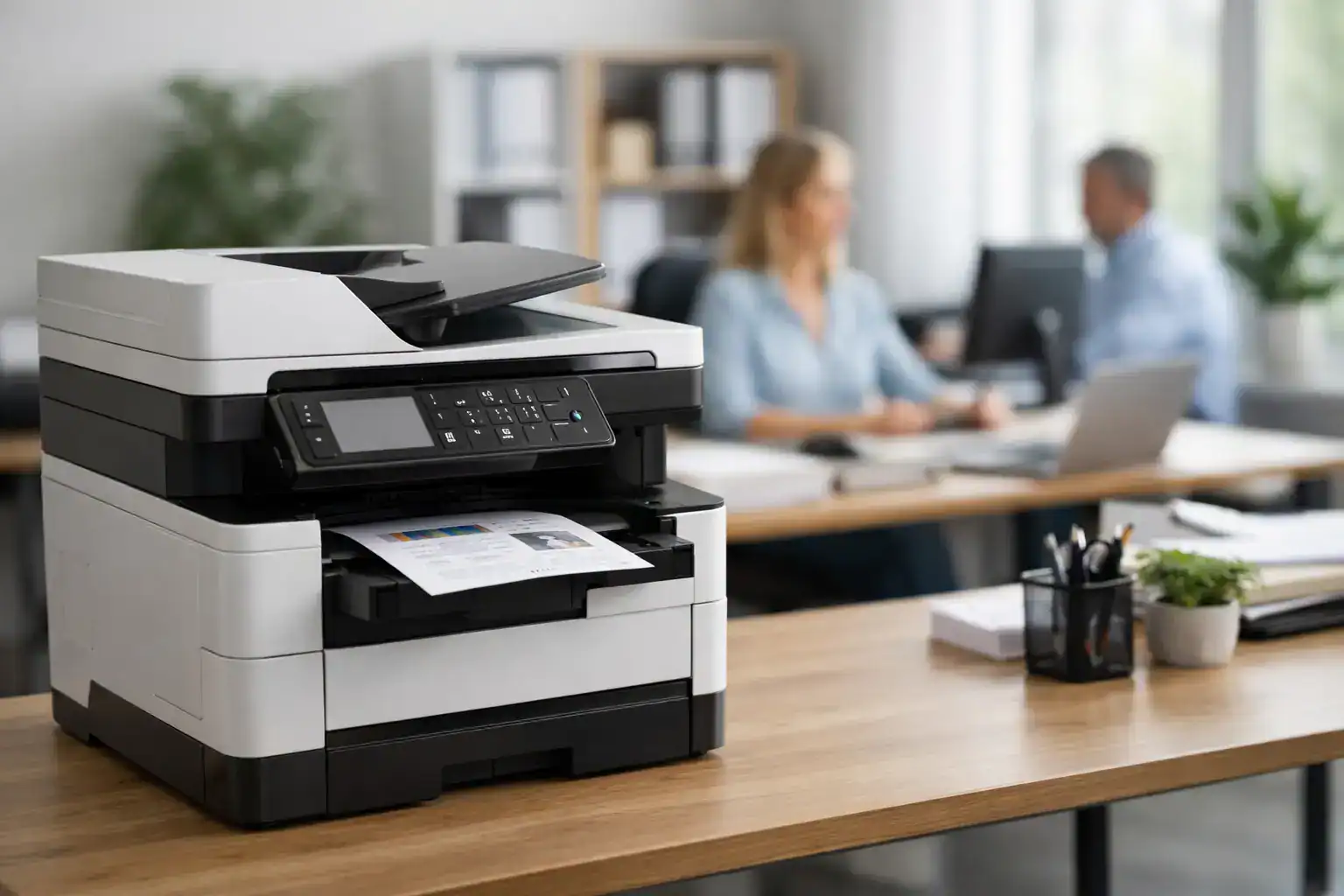
When an office printer slows down, the problem rarely stays in the copy room. Invoices wait, contracts stack up, teams waste time troubleshooting, and supply costs start creeping higher than expected. That is why choosing among the best multifunction printers for offices is not just about print quality. It is a business decision tied to uptime, workflow, and long-term operating cost.
For most organizations, a multifunction printer needs to do more than print, scan, copy, and fax. It needs to fit actual office behavior. A five-person admin team has very different demands than a 60-user finance department or a growing branch office that wants predictable monthly costs. The right device depends on print volume, color needs, paper handling, security controls, and how much support your business expects after installation.
What makes the best multifunction printers for offices worth buying
The strongest office MFPs are built around reliability first. Speed matters, but speed without consistency creates its own problems. A device that prints 45 pages per minute looks good on paper, yet if it jams often or needs frequent service calls, it becomes a productivity risk.
Cost control is the next factor. Many buyers focus on purchase price and overlook toner yield, maintenance frequency, and energy use. In practice, a lower-cost machine can end up being more expensive over two or three years if consumables are high or servicing is difficult. That is especially true for offices with steady monthly volume.
Security is also no longer optional. Networked printers handle scanned IDs, HR forms, contracts, and financial records. Secure print release, user authentication, data overwrite, and admin controls matter for any business handling confidential information.
Then there is scalability. Some printers are ideal for a small team but struggle once monthly volume doubles. Others are designed for larger departments and will feel oversized for a startup office. Matching the machine to realistic usage is what protects both budget and performance.
10 best multifunction printers for offices
1. Canon imageRUNNER ADVANCE DX C3926i
This is a strong choice for medium-sized offices that need dependable color output and document workflow features. It handles print, copy, scan, and cloud-connected tasks well, with a user interface that is easy for shared office environments.
Its advantage is balance. You get good color quality, solid scanning, and business-grade security without stepping into an oversized production device. For offices that regularly print client-facing documents but do not need very high volume, it is a practical fit.
2. Konica Minolta bizhub C250i
The bizhub C250i suits businesses that want a modern touchscreen experience and reliable departmental color printing. It performs well in admin, HR, and operations settings where scanning and copying are used heavily throughout the day.
Where it stands out is usability and workflow support. It is also a sensible option for companies that value service availability and want a device that can grow with office demand.
3. HP Color LaserJet Enterprise MFP M480f
For smaller offices that still need enterprise-level security and strong color output, this HP model is a serious contender. It is compact enough for limited office space but still capable enough for regular daily workloads.
Its trade-off is volume ceiling. It is excellent for small to lower-mid volume environments, but high-demand departments may outgrow it faster than expected.
4. Brother MFC-L6900DW
If your office mostly prints in black and white and needs speed without unnecessary complexity, this Brother device deserves attention. It is particularly effective for legal, finance, logistics, and back-office teams that generate large volumes of text-heavy documents.
Its biggest strength is operating efficiency. Mono output keeps running costs lower, and Brother devices are often valued for straightforward deployment and maintenance.
5. Xerox VersaLink C415
The VersaLink C415 works well for workgroups that need color, mobile printing, and intuitive setup. It is suitable for offices that want a connected printer without moving into a large floor-standing unit.
It is a good middle ground, though larger departments may need more paper capacity or faster throughput. For distributed offices and smaller teams, it offers good day-to-day flexibility.
6. Canon imageCLASS MF455dw
This model fits small offices that prioritize black-and-white printing, fast first-page output, and dependable scanning. It is often a smart choice for businesses that want office-grade performance in a smaller footprint.
The limitation is obvious. If your team needs regular color printing for presentations, proposals, or marketing materials, this is not the right machine. If your workflow is mostly forms, reports, and internal documents, it is efficient and cost-aware.
7. HP LaserJet Enterprise Flow MFP M528z
This printer is built for serious document handling. It is especially useful in offices where scanning speed, workflow automation, and security controls are major priorities.
Its best use case is not the average small office. It makes more sense for busy departments, shared enterprise environments, or organizations standardizing secure document processing across teams.
8. Epson EcoTank Pro ET-5850
Not every office needs a laser printer. This Epson inkjet MFP can be an attractive option for lower to moderate volume offices that want very low color printing costs over time.
The savings on ink can be significant, but it depends on workload. For high-speed, high-volume office environments, a laser model often remains the better fit. For smaller businesses with steady but not extreme use, this printer offers strong value.
9. Konica Minolta bizhub 4050i
For offices focused on monochrome productivity with strong security and network integration, this model is dependable. It fits shared office use where consistency matters more than advanced color output.
It is a practical option for operations-heavy teams and businesses that want a machine aligned with broader print management strategies.
10. Lexmark CX431adw
This is a compact color MFP for smaller offices that need professional output without a large hardware footprint. It supports common office tasks well and can suit teams that need a capable shared device at a controlled budget.
Its best role is as a reliable small-office workhorse. Larger offices with higher print demand will likely need a more scalable platform.
How to choose the right office MFP
Start with monthly print volume, not peak-day estimates or best-case assumptions. If your office prints 8,000 pages a month, buying a machine designed for 2,500 pages will create problems quickly. On the other hand, overspending on a heavy-duty departmental unit for a low-volume branch office ties up budget unnecessarily.
Next, decide whether color is operationally necessary. Many offices assume they need color everywhere, but in reality, only selected teams do. Admin, legal, and finance functions often operate more efficiently with dedicated monochrome devices, while sales, client services, and management may benefit from color output.
Scanning should also get more attention than it usually does. If your office digitizes contracts, IDs, invoices, or signed forms every day, scan speed, duplex scanning, and file routing matter as much as print speed. Slow scanning creates hidden workflow delays.
Paper handling is another area where mismatch causes frustration. Multiple trays, envelope support, legal-size paper, and finishing options such as stapling can make a noticeable difference in office productivity. A printer that constantly needs manual reloading wastes staff time.
Buy, rent, or use a managed print model?
This decision depends on how your business prefers to manage cash flow and support. Buying makes sense when your volume is stable, internal IT support is available, and your procurement model favors owned assets.
Rental can be more attractive when you want lower upfront cost, flexibility, and bundled maintenance. That is often the better route for growing businesses, temporary project offices, or companies opening new locations and trying to avoid large capital outlays.
Managed Print Services make the most sense when print is business-critical and downtime is expensive. With an MPS approach, supplies, service, usage monitoring, and fleet optimization are handled more strategically. For organizations trying to control total print cost across multiple devices or departments, this can be more effective than one-off hardware purchases.
A provider such as Kayan Solutions can be valuable here because the decision is not limited to a product catalog. Businesses often need a combination of equipment supply, rental flexibility, and support coverage that fits how they actually operate.
Common mistakes office buyers make
The most common mistake is choosing based on purchase price alone. That usually leads to higher running costs, undersized performance, or avoidable service interruptions. The cheapest machine is rarely the lowest-cost solution over time.
Another mistake is treating every office the same. A front-desk admin printer, a shared departmental MFP, and an executive office device should not be selected using the same criteria. Workload and user behavior should guide the decision.
Finally, many buyers underestimate service response. Even the best hardware needs maintenance eventually. Fast support, available parts, and clear service terms matter just as much as print speed on a spec sheet.
The right multifunction printer should reduce friction, not create another system your team has to manage. When the device matches your workload, budget model, and support expectations, printing becomes one less thing your office has to think about.


Add comment