
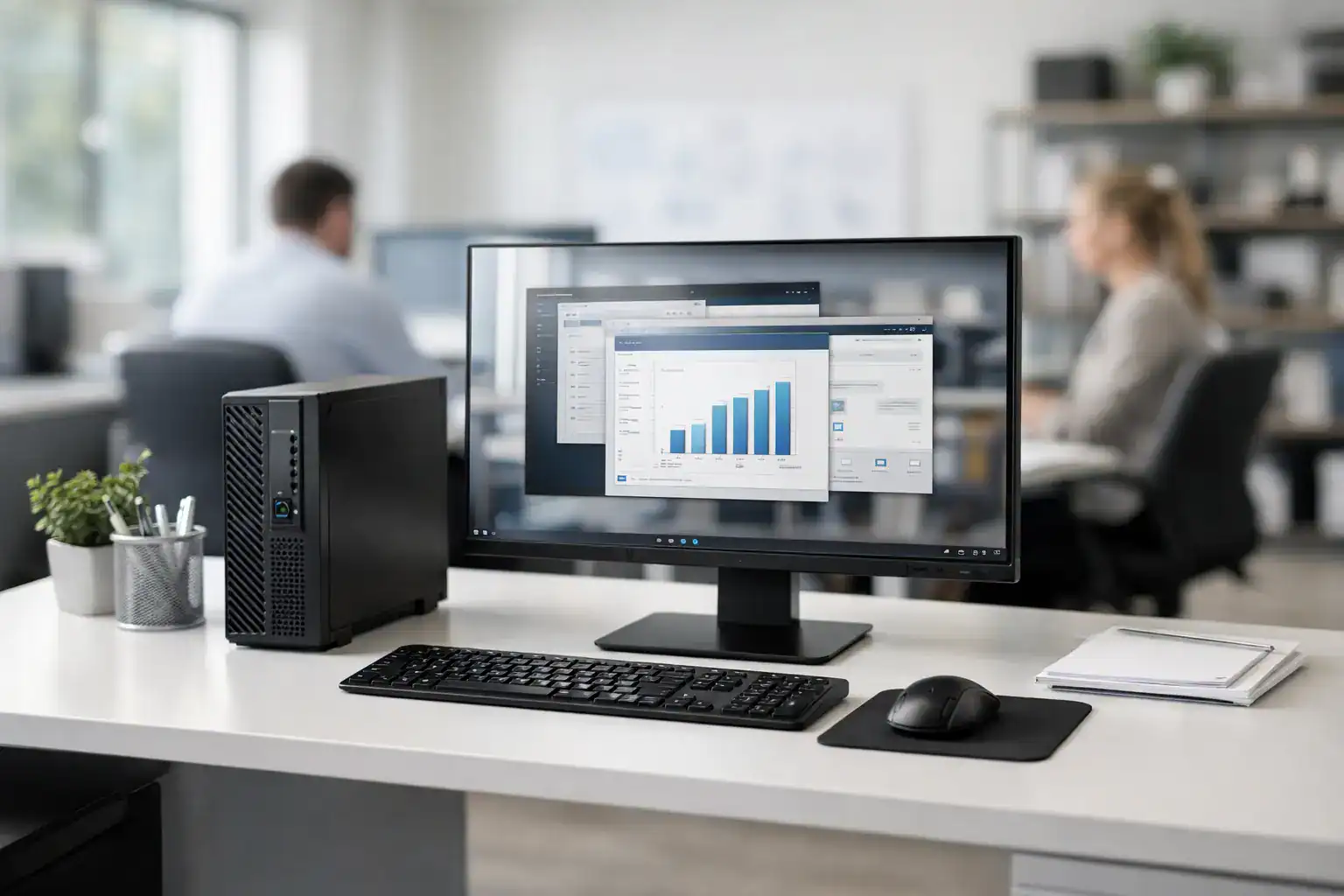
A slow office PC rarely fails all at once. It starts with lag during video calls, delayed file opens, browser tabs freezing, and staff losing small pieces of time all day. When businesses evaluate desktop computers for office environments, the real issue is not just hardware specs. It is productivity, supportability, and how well each machine fits the daily workload.
For procurement teams, office managers, and business owners, the right desktop setup should reduce downtime, stay easy to manage, and remain cost-effective over its service life. That means looking beyond headline features and choosing systems that match the actual needs of finance teams, front-desk staff, operations departments, and hybrid users.
What matters most in desktop computers for office work
An office desktop is a business tool first. Reliability matters more than flashy design, and consistency across multiple workstations matters more than buying the highest specification available. In most offices, users need stable performance for email, spreadsheets, ERP platforms, browser-based systems, document management, video meetings, and light multitasking.
That is why processor choice, memory, storage, and long-term support should be evaluated together. A machine that looks affordable at purchase can become expensive if it slows staff down, fails early, or creates extra support work for internal IT. On the other hand, overbuying also creates waste. A reception desk does not need the same configuration as a design, analytics, or management workstation.
The practical goal is simple: standardize where possible, upgrade where necessary, and avoid paying for performance that will never be used.
Matching desktop computers for office teams to real workloads
The best buying decisions start by grouping users based on how they work. Most businesses have three common profiles, and each one calls for a different level of performance.
Basic administrative users
These users handle email, web applications, office documents, printing, and basic communication tools. For this group, modern entry-to-midrange processors, 8GB to 16GB of RAM, and SSD storage are usually enough. The SSD matters more than many buyers expect because it improves startup speed, application launch time, and overall responsiveness.
This is often the largest user group in a business, so getting the configuration right has a direct effect on budget control. Buying too low creates user complaints and early replacement pressure. Buying too high across dozens of desks quickly inflates capital spend.
Multitasking departments
Finance, HR, operations, procurement, and management teams usually keep many browser tabs, spreadsheets, PDFs, communication tools, and cloud apps open at the same time. These users benefit from stronger processors and 16GB of RAM as a sensible baseline. If reporting, large Excel files, or heavy database access is common, stepping up the processor can save time every day.
For these teams, dual-monitor support is also worth considering. In office settings, productivity gains often come from better workflow visibility rather than raw processing power.
Specialized business users
Some offices include users working with large data files, media assets, CAD drawings, or advanced analytics tools. These users may need higher-end CPUs, more memory, dedicated graphics, or expanded storage. They are the exception, not the rule, and should be specified separately rather than driving up the cost of every desktop in the office.
Form factor matters more than many buyers expect
Desktop computers for office deployment usually come in tower, small form factor, or mini PC designs. Each has a clear business case.
Traditional towers provide more room for upgrades and expansion. They suit businesses that may add extra storage, specialized cards, or future hardware changes. The trade-off is space. Towers take up more room and can make desk areas harder to organize.
Small form factor desktops are a strong fit for most offices. They save space, maintain good performance for standard business use, and are easier to deploy across departments with a uniform setup. For many organizations, this is the best balance of performance, manageability, and footprint.
Mini PCs work well in reception areas, counters, meeting rooms, and tight office layouts. They look clean and reduce clutter, but they offer less flexibility for future upgrades. If long-term adaptability is a priority, a slightly larger chassis may be the safer investment.
The core specifications that deserve attention
Business buyers do not need to chase every new release, but a few hardware decisions have a clear effect on office performance.
Processors should be selected based on user load, not marketing labels. For standard office work, modern business-class Intel Core i5 or AMD Ryzen 5 systems are often the practical middle ground. Entry-level systems can work for limited roles, but they leave less headroom as software demands grow.
Memory is one of the most common bottlenecks in office computers. While 8GB may still handle light use, 16GB is increasingly the safer business standard for smoother multitasking and longer useful life.
Storage should almost always be SSD-based. Mechanical hard drives may reduce upfront cost, but they create slower day-to-day performance and a poorer user experience. In a business setting, the savings rarely justify the compromise.
Ports and connectivity also deserve review before purchase. Offices still depend on monitors, keyboards, printers, external drives, conference peripherals, and wired networks. A desktop that lacks the right ports can lead to adapters, clutter, and deployment delays.
Security and manageability are part of the buying decision
For business use, desktop value is not measured only by speed. It also includes how secure and manageable the devices are after installation. Trusted platform modules, BIOS-level protections, device encryption compatibility, and centralized management support all matter, especially for businesses with growing compliance or security requirements.
This is where consumer PCs and business desktops start to separate. A lower sticker price can look attractive, but if the machines are harder to secure, harder to support, or less stable under business use, the total cost rises over time.
Warranty coverage is part of this equation as well. For offices that cannot tolerate long downtime, dependable service support matters as much as the equipment itself. A business should know how quickly failed devices can be diagnosed, repaired, or replaced.
Standardization saves more than it seems
Many companies buy PCs in an ad hoc way, replacing machines one by one with whatever is available at the time. That approach often creates a mixed fleet that is harder to maintain, patch, and support. It can also complicate user onboarding and spare parts planning.
A standardized desktop strategy reduces those issues. When systems share the same brand family, similar specifications, and common accessories, deployment becomes faster and support becomes simpler. Procurement also improves because future expansion is easier to forecast.
For growing companies, standardization is one of the most practical ways to control IT costs without lowering performance.
Buying versus scaling through service support
Some businesses prefer direct purchase because they want full asset ownership and a clear capital investment. That works well when internal IT is already in place and hardware refresh cycles are predictable.
Other organizations need more flexibility. New branches, project-based teams, temporary expansion, or budget constraints can make a service-led model more practical. In those cases, working with a supplier that can support procurement, deployment, maintenance, and broader office technology needs creates operational advantages beyond the desktop itself.
This is especially relevant for businesses that want one accountable partner across PCs, printers, networking, and ongoing technical support. Kayan Solutions operates in that model, helping businesses simplify sourcing while reducing the friction that comes from managing multiple vendors.
Common buying mistakes to avoid
One of the most common mistakes is choosing desktops based only on upfront price. Cheap systems may look efficient on paper, but if they cause slow performance, early replacement, or service issues, the savings disappear quickly.
Another mistake is buying a single high specification for every employee. Uniformity helps support, but over-specifying every desk wastes budget. The better approach is controlled standardization with two or three approved user profiles.
It is also a mistake to overlook future needs. If a business expects team growth, software changes, or heavier cloud usage, a little performance headroom can protect the investment. At the same time, too much future-proofing becomes unnecessary spending. The right balance depends on how the office actually operates.
How to make the right desktop decision
A good office desktop decision starts with a short operational review. Identify user groups, required applications, monitor needs, security expectations, and support requirements. Then compare systems based on lifecycle value, not just purchase price.
The strongest desktop computers for office use are the ones employees do not have to think about. They start quickly, run reliably, support daily workflows, and stay easy to maintain across the business. When hardware, support, and procurement strategy are aligned, desktops stop being a recurring problem and become part of a more efficient office environment.
The best next step is not to ask which desktop is strongest. It is to ask which desktop will keep your team productive, supported, and cost-efficient over the next several years.


Add comment