
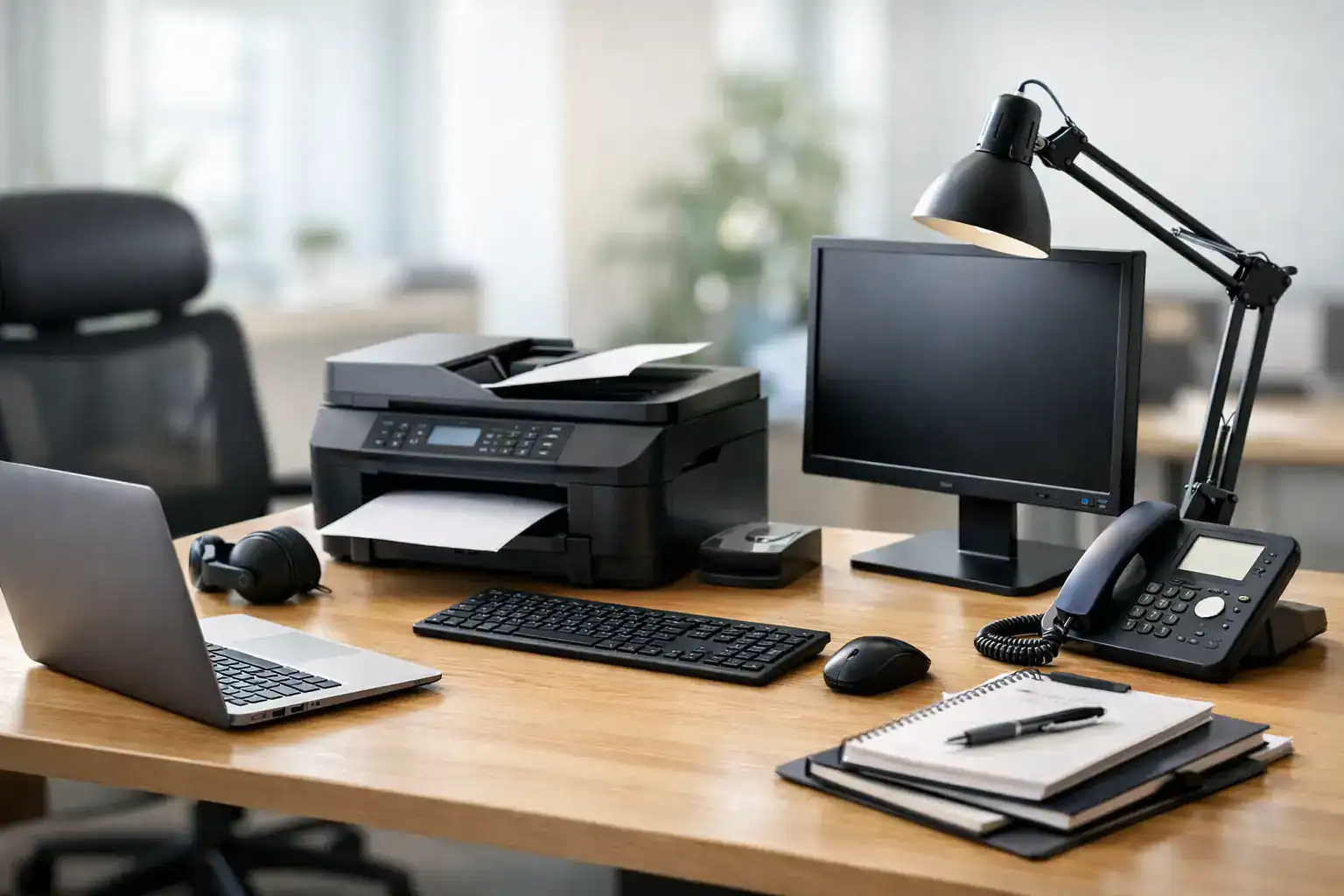
A copier that breaks down during month-end reporting, laptops that arrive without the right specifications, or printers purchased cheaply but serviced slowly – this is where procurement starts affecting operations. A strong office equipment procurement guide helps businesses buy with more control, reduce downtime, and avoid the hidden costs that come from fragmented purchasing.
For most companies, office equipment is not a one-time purchase. It is part of the daily infrastructure that keeps teams productive. Printers, photocopiers, laptops, desktops, networking devices, and security systems all need to fit the way the business works today while leaving room for growth. That means procurement decisions should be tied to output, service expectations, lifecycle cost, and support coverage, not just unit price.
What an office equipment procurement guide should solve
Procurement teams are usually balancing three pressures at once: budget, performance, and continuity. The challenge is that office equipment often looks straightforward until the operational details surface. A lower-cost printer may consume more toner, require more intervention, or fail to support the monthly volume your teams actually produce. A laptop order may meet budget on paper but create IT issues if device specifications are inconsistent across departments.
A useful office equipment procurement guide should help standardize decision-making. It should clarify what to buy, when to rent, where managed services make more financial sense, and how to compare vendors beyond upfront pricing. The goal is not only to purchase equipment. It is to create a reliable operating environment with fewer disruptions and better cost control over time.
Start with business requirements, not product categories
The most common procurement mistake is starting with a list of products instead of a list of operational needs. Before comparing brands or models, define how each department uses office equipment. Finance may need high-volume, secure print output. Sales may need portable devices with strong battery life. Front-office teams may need multifunction printers that combine printing, scanning, and copying in one footprint.
Volume matters. So does usage pattern. A small office that prints occasionally has very different needs from a multi-department business with heavy document workflows. The same applies to desktops, laptops, and networking equipment. Procurement works better when specifications are based on real user requirements, expected monthly usage, security needs, and service expectations.
This is also where standardization becomes valuable. If every team buys independently, support becomes harder, consumables become inconsistent, and replacement planning becomes reactive. A centralized purchasing approach usually improves pricing, compatibility, and maintenance response.
Buying vs renting vs managed service
Not every office equipment decision should end in a direct purchase. In many cases, the better option depends on cash flow, expected usage duration, and how much internal support your business can realistically provide.
Buying makes sense when equipment will be used heavily over a long period and internal teams can manage maintenance, supplies, and lifecycle planning. Ownership can lower long-term cost, but only if the equipment remains fit for purpose and service interruptions are controlled.
Rental is often a practical fit for short-term projects, temporary offices, events, or businesses that want predictable monthly costs without major upfront spend. It also helps companies that need equipment quickly while preserving capital for core operations.
Managed services are usually the strongest option when uptime, control, and support matter more than ownership. Managed Print Services, for example, can reduce waste, monitor usage, automate supply replenishment, and keep printers running with less internal effort. For many organizations, that shift from reactive purchasing to managed output creates better value than simply owning the devices.
There is no single correct model for every business. Many companies benefit from a blended approach – buying core infrastructure, renting where flexibility is needed, and using managed support for high-dependency equipment.
How to evaluate total cost, not just purchase price
Price matters, but purchase price alone rarely tells the full story. Procurement teams should assess the total cost of ownership over the expected life of the equipment. That includes consumables, maintenance, downtime risk, repair speed, warranty terms, energy use, replacement cycles, and internal support effort.
Printers and photocopiers are a clear example. A lower-priced device may look attractive at procurement stage, but if toner costs are high and service is slow, your actual operating cost rises quickly. The same applies to laptops and PCs. Standardized models with dependable support are often a better investment than mixed low-cost devices that complicate imaging, repair, and user support.
This is where vendor structure matters. Businesses often save time and money when they work with a supplier that can provide products, service, consumables, and technical support under one relationship. Consolidation reduces administrative effort and improves accountability when something goes wrong.
Vendor selection in an office equipment procurement guide
A vendor should be assessed as an operational partner, not just a source of hardware. Product availability matters, but responsiveness after delivery matters just as much. Procurement teams should look at service coverage, maintenance capability, delivery timelines, brand portfolio, and escalation support.
Strong vendors help buyers narrow specifications based on actual business needs instead of pushing unnecessary upgrades. They can also advise on whether a department needs a dedicated machine, a shared multifunction device, or a managed solution with service built in. That practical guidance reduces overbuying and helps procurement align spend with usage.
For businesses managing multiple sites or planning growth, scalability should be part of vendor evaluation. Can the supplier support rollouts across locations? Can they service equipment quickly? Can they support networking, security systems, and print infrastructure in one engagement? Those factors often make a bigger operational difference than a small saving on the initial quote.
Procurement standards that reduce future problems
The best procurement process is one that makes future decisions easier. Create approved equipment categories, minimum specifications, service expectations, and vendor criteria. This avoids repeat evaluation for routine purchases and gives departments a framework that supports speed without sacrificing control.
For laptops and PCs, define standard builds by user type. For print equipment, define expected monthly volume, color requirements, scan needs, and target response time for maintenance. For networking and security devices, include compatibility requirements and installation responsibilities. Once those standards are in place, procurement becomes faster and more consistent.
It also helps to document replacement timing. Office equipment often stays in service longer than it should because there is no planned refresh cycle. That can raise repair costs and create avoidable disruptions. Replacing equipment at the right point is usually more cost-effective than running aging devices until failure.
Common mistakes to avoid
Under-specifying equipment is a frequent problem, but over-specifying can be just as expensive. A business does not need enterprise-grade capability in every department. The right choice depends on actual workload and business impact.
Another mistake is separating the equipment decision from the service decision. If a device is critical to operations, support should be part of the procurement conversation from the start. Waiting until after purchase often leads to gaps in maintenance, consumables planning, or response coverage.
Finally, avoid treating every requirement as a standalone purchase. Office infrastructure works best when procurement considers the full environment. A business replacing printers may also need print management, better network reliability, or secure device placement. Looking at these needs together often produces a more efficient result.
A practical path forward
An effective office equipment procurement guide should lead to fewer suppliers, clearer standards, stronger support, and better cost visibility. That is especially important for growing businesses that cannot afford avoidable downtime or inconsistent technology across teams.
For organizations that want one source for equipment, rental, and service support, working with an experienced provider such as Kayan Solutions can simplify procurement and strengthen daily operations. The advantage is not only access to products. It is the ability to match office equipment decisions with maintenance, managed services, and long-term business requirements.
The right procurement choice is rarely the cheapest quote on day one. It is the option that keeps your teams productive, your support workload manageable, and your technology fit for the work ahead.


Add comment