
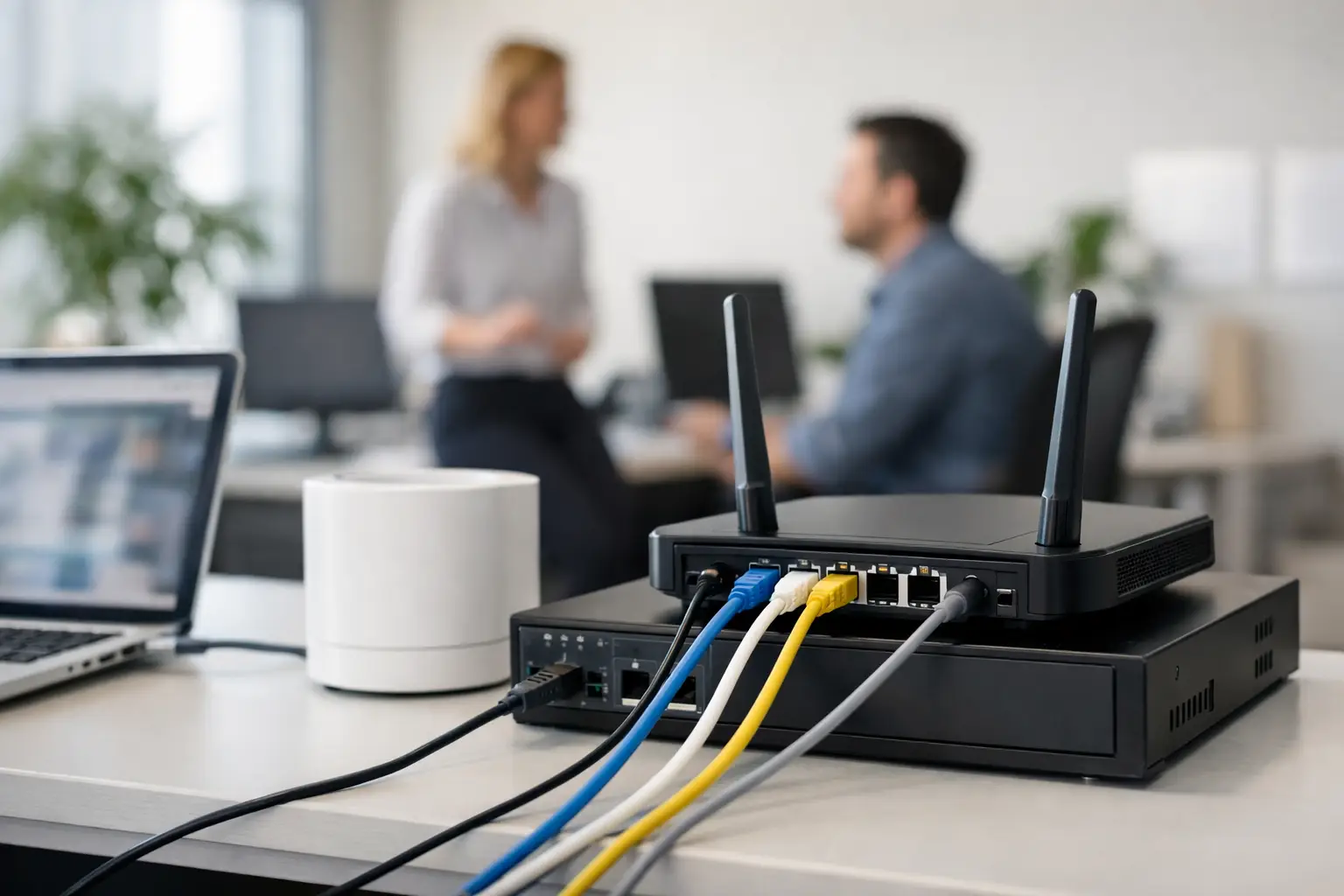
A small office network usually gets attention only after something goes wrong. The printer drops offline during a deadline, video calls start freezing, shared files take too long to open, or new employees have nowhere secure to connect. A proper network setup for small office operations avoids those disruptions before they start, and it does more than provide internet access. It supports productivity, protects business data, and gives your team room to grow without rebuilding everything six months later.
For most businesses, the real issue is not whether they need a network. It is whether the current setup is fit for daily operations. A five-person office with cloud apps, VoIP phones, network printers, CCTV, guest Wi-Fi, and hybrid staff has very different requirements from a basic internet router on a shelf. That is where planning matters.
What a small office network needs to do
A business network should be designed around how the office actually works. If your team relies heavily on cloud platforms, stable upload speeds and Wi-Fi coverage may matter more than local file storage. If you handle large files, use shared folders, or run several printers and multifunction devices, internal network performance becomes just as important as internet speed.
Security also changes the conversation. Consumer-grade equipment can look cost-effective at first, but it often falls short when you need device management, access control, traffic separation, or dependable remote support. In a business setting, those are not extras. They are part of day-to-day continuity.
The best approach is to treat networking as part of office infrastructure, not as a standalone purchase. Your PCs, printers, access points, phones, cameras, and internet connection all depend on the same foundation.
Network setup for small office planning starts with the basics
The right network begins with a clear view of users, devices, and office layout. An office with eight employees may still have 30 or more connected devices once laptops, desktops, printers, mobile phones, CCTV cameras, meeting room screens, and visitor access are counted. That number affects router capacity, switch size, Wi-Fi design, and security settings.
Physical layout matters just as much. Thick walls, multiple rooms, and poor equipment placement can create dead zones even with a fast internet plan. In many offices, the problem people call “slow internet” is actually weak wireless coverage or too many devices competing on one access point.
At this stage, it helps to answer a few practical questions. How many staff need wired connections? Will guests need isolated Wi-Fi? Are there shared printers or copiers that should stay accessible to all departments? Will the office add more employees, cameras, or workstations soon? A small office network should handle current demand, but it should also allow expansion without replacing every core device.
Choosing the right internet connection
Internet service is the starting point, but the fastest package is not always the smartest choice. Reliability, business support response times, and upload speeds often matter more than headline download numbers. Offices that depend on cloud backups, Teams or Zoom calls, VPN access, or hosted applications need balanced performance.
For some businesses, a backup internet connection is worth considering. If downtime directly affects customer service, sales activity, or internal operations, a secondary connection can reduce the risk of complete interruption. That adds cost, so it depends on how expensive an outage would be for your business.
Router, firewall, and switch selection
This is where many small offices either overspend or cut too far. A basic router may work for a home environment, but business use usually requires better traffic handling, stronger security features, and more control over connected devices.
A business-class router or firewall helps manage traffic, protect the network, and support features such as VPN access, content filtering, and network segmentation. A managed switch gives you more control over wired devices and makes future expansion easier. If your office uses IP phones, wireless access points, or cameras, Power over Ethernet can simplify installation by reducing separate power requirements.
Not every office needs enterprise-grade hardware, but most growing businesses need something more dependable than entry-level retail equipment.
Wi-Fi design can make or break a network setup for small office teams
Wi-Fi is often treated as an afterthought, yet it is where users feel network quality most directly. If coverage is inconsistent, employees lose time moving around signal gaps, reconnecting devices, or switching to mobile data just to finish basic tasks.
One access point might be enough for a compact office, but larger or partitioned spaces often need more than one. Placement should be based on coverage and usage, not convenience. Installing wireless hardware near the server corner or beside electrical equipment can reduce performance. The goal is even, reliable coverage in the places people actually work.
It is also smart to separate traffic. Staff Wi-Fi, guest Wi-Fi, and device traffic for printers or cameras should not all sit on the same open network. Segmentation improves both performance and security. Guests get internet access without touching internal systems, and office devices stay protected.
Wired connections still matter
Wireless is essential, but it should not carry everything. Desktops, printers, VoIP phones, NAS devices, and fixed workstations usually benefit from wired connectivity. It is more stable, easier to manage, and less affected by interference.
In practical terms, that means using Wi-Fi where mobility matters and cabling where consistency matters. A mixed approach is usually the most efficient choice for a small office.
Security should be built in, not added later
A small business may not see itself as a likely target, but weak network security creates avoidable risk. Unsecured Wi-Fi, shared passwords, outdated firmware, and unmanaged access are common entry points for trouble.
At a minimum, office networks should use strong encryption, separate user access from guest access, and change default credentials on all network-connected hardware. Firmware updates should be managed regularly, especially for routers, firewalls, access points, and printers. Printers are frequently overlooked, even though they are network devices that can expose sensitive information if left unsecured.
Access should also reflect job roles. Not every user needs visibility into every device or shared folder. That is especially relevant in offices handling finance records, HR files, contracts, or customer data. Better access control reduces risk without making operations harder.
For businesses with remote staff or multiple branches, secure remote connectivity matters too. VPN access or managed remote access tools should be configured properly, not improvised with consumer apps and shared credentials.
Printers, copiers, and shared devices need network planning too
Office networks are not only about computers. Shared printers and multifunction devices are part of daily workflow, especially in businesses that print contracts, invoices, reports, shipping documents, or customer records.
When these devices are added without planning, they become a source of frustration. Staff cannot find the printer, scanning fails, print queues stall, or one department loses access after a simple IP address change. A better setup assigns devices clearly, keeps them on stable network connections, and aligns them with office usage patterns.
This is one reason many businesses prefer working with a provider that understands both networking and office equipment. It reduces the usual gap between the company that installs the printer and the company expected to troubleshoot the network.
Support, monitoring, and future growth
A network is not finished on installation day. Offices change. New employees join, departments move, devices multiply, and software use shifts. Without ongoing support, even a good setup starts to drift into patchwork fixes.
That is why many businesses now look beyond one-time installation. They want a support model that covers maintenance, troubleshooting, performance checks, and expansion planning. Managed service support can make sense here, especially for companies that do not have in-house IT staff or do not want internal teams distracted by recurring technical issues.
There is also a cost argument. A cheaper network that causes interruptions, weak coverage, or repeated service calls is rarely cheaper over time. The more useful question is whether the setup supports the business reliably enough to reduce downtime and avoid rework.
Kayan Solutions approaches office infrastructure from that operational perspective, helping businesses align devices, connectivity, and service support under one supplier relationship rather than managing disconnected vendors.
When to upgrade instead of patching the current setup
If your office already has a network, a full replacement is not always necessary. Sometimes a targeted upgrade is enough, such as replacing the firewall, adding proper access points, segmenting guest traffic, or reorganizing cabling and switching.
But there are clear signs that patching is no longer the right move. Frequent outages, poor Wi-Fi coverage, device conflicts, security concerns, and limited room for expansion usually point to a design problem rather than a single faulty component. When every fix creates a new issue, the setup is often working against the business.
A good small office network should feel almost invisible. Staff connect quickly, printers stay available, calls remain stable, and new devices can be added without disruption. That kind of reliability does not happen by accident. It comes from choosing the right equipment, designing around actual business needs, and making support part of the plan from the beginning.
If your office network is becoming a recurring operational issue, that is usually the signal to stop treating it as a temporary setup and start treating it as business infrastructure.


Add comment