
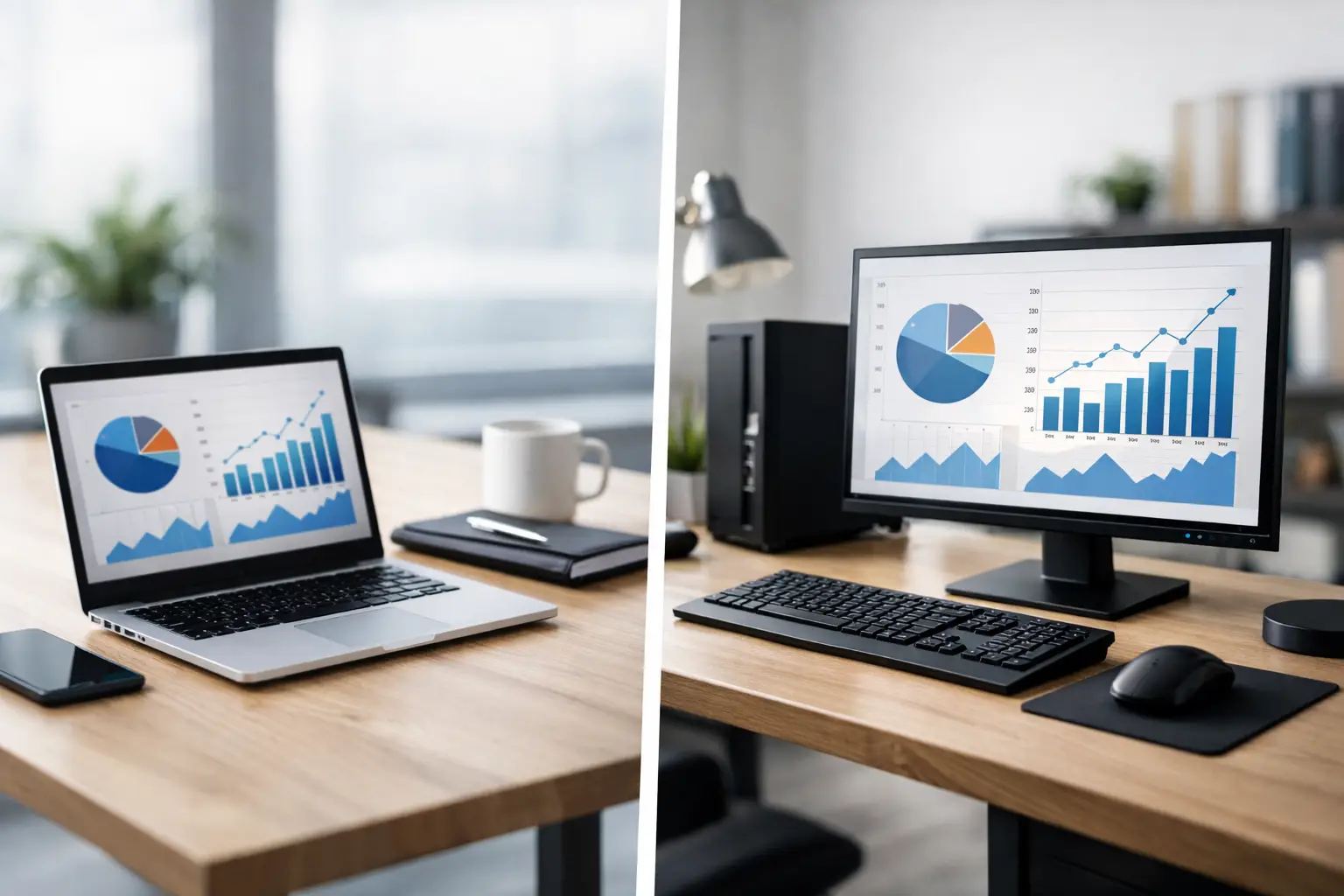
A sales manager working across client sites needs something very different from an accounts team that stays at the same desk all day. That is why the laptop vs desktop for business decision should not start with specs alone. It should start with how your people work, what downtime costs your business, and how quickly your technology needs to scale.
For many companies, this is not a question of which device is better in general. It is a question of which device is better for a role, a department, or an operating model. When procurement teams look at business technology through the lens of productivity, support, and total cost, the right answer becomes much clearer.
Laptop vs desktop for business: start with the work itself
A laptop makes sense when mobility is part of the job. Sales teams, senior managers, field supervisors, hybrid employees, and multi-site staff benefit from being able to work from anywhere without losing access to core systems. In these cases, portability is not just a convenience. It directly supports responsiveness and continuity.
A desktop is usually the stronger choice when work happens in a fixed location and performance consistency matters more than movement. Finance teams, customer service desks, back-office operations, design support teams, and reception areas often gain more value from a stable workstation that stays connected, powered, and ready throughout the day.
This is where many businesses make an expensive mistake. They standardize around one device type for every employee, even when job functions are clearly different. That can lead to overspending on laptops for desk-based roles or limiting mobile employees with equipment that does not match their daily demands.
Cost is more than the purchase price
On paper, desktops often look like the more cost-effective option. For the same budget, a desktop usually delivers better processing power, larger displays, more upgrade potential, and longer useful life. If your priority is maximum performance per dollar, desktops typically come out ahead.
Laptops usually cost more for comparable performance because portability adds value and engineering complexity. You are paying for battery integration, compact design, built-in display, keyboard, camera, and wireless capability. That higher upfront cost can still be justified if it reduces delays, supports remote work, or removes the need for duplicate systems.
The better financial question is not laptop or desktop in isolation. It is total operating cost over time. That includes maintenance, replacement cycles, accessories, user productivity, and support requirements. A lower-cost device is not the better investment if it causes slow performance, limits staff flexibility, or increases service incidents.
Performance and reliability in day-to-day business use
For standard office tasks such as email, cloud platforms, ERP systems, spreadsheets, web-based dashboards, and document processing, both laptops and desktops can perform well when properly specified. The issue is not category alone. It is whether the system is sized correctly for the workload.
Desktops have a practical advantage in sustained performance. They generally manage heat better, support more powerful components, and handle long working hours with less strain. In departments where systems stay active all day, connect to multiple screens, or run heavier software, desktops often provide a smoother and more reliable experience.
Laptops perform very well for mainstream business use, but they are more sensitive to configuration choices. A business-grade laptop with adequate memory, modern processors, and solid-state storage can support demanding workflows effectively. Problems usually appear when businesses buy entry-level devices for professional use, then expect them to carry complex workloads over several years.
Reliability also depends on handling. Desktops stay in one place, so they face fewer physical risks. Laptops travel, get moved between meeting rooms, and may be used in cars, homes, and shared spaces. That mobility creates more wear, more accidental damage risk, and more need for support planning.
Security and support considerations
From an IT management perspective, desktops are simpler to control physically. They are less likely to be lost, stolen, or damaged in transit. In fixed office environments, that can reduce security exposure and make asset tracking easier.
Laptops require stronger endpoint management because they move beyond the office. Encryption, remote device management, access controls, patching, and recovery policies become more important. For many businesses, that is manageable, but it should be part of the decision, not an afterthought.
Support is another practical factor. Desktops are often easier to service, upgrade, and troubleshoot because components are more accessible. If a monitor fails, it can be replaced without changing the entire system. If storage or memory needs increase, upgrades are often straightforward.
Laptops are more compact and integrated, which is useful for users but less flexible for repairs and upgrades. When a laptop has a hardware issue, the resolution may involve longer turnaround, temporary replacement units, or broader device replacement. For businesses where every hour of downtime affects output, this matters.
Space, power, and office setup
In offices where space is limited, laptops can help create cleaner, more flexible workstations. They work well in hot-desking environments, shared meeting spaces, and hybrid office layouts. Add a dock, monitor, keyboard, and mouse, and the user gets a full desk setup with the ability to leave when needed.
Desktops are less flexible physically, but often better for permanent workstations. They pair well with larger monitors, wired networks, and predictable workstation layouts. If your office is designed around dedicated desks and structured teams, desktops can be easier to standardize and maintain.
Power continuity is one area where laptops quietly offer a business advantage. Their batteries provide short-term backup during brief power interruptions. In locations where continuity is critical, that can prevent lost work and sudden shutdowns. Desktops typically depend on external power backup solutions if uptime during outages is important.
Laptop vs desktop for business by department
The most practical buying decision is often role-based. Executives, sales staff, project managers, and hybrid employees usually benefit from laptops because their work moves with them. Portability supports faster decisions, easier collaboration, and continuity between office, home, and client locations.
Operations desks, finance teams, front-office administration, and staff working on-site full time often benefit more from desktops. These roles usually value stable performance, larger screens, lower cost per workstation, and easier long-term support.
Creative, technical, or data-heavy roles may go either way depending on software demands and work location. If the user needs high performance and stays in one place, a desktop is often the better fit. If the role requires performance on the move, a higher-spec laptop with docking support may be the right answer, though typically at a higher cost.
That mixed-device model is often the strongest business strategy. It aligns equipment to real usage instead of forcing every team into the same hardware pattern.
When laptops are the better business choice
Laptops are the better fit when mobility drives productivity, when office space needs flexibility, or when your business supports remote and hybrid work as a standard model. They also work well when employees regularly move between branches, client meetings, warehouses, and executive offices.
They can also simplify business continuity. If an employee needs to work from another location without interruption, the device travels with them. For growing companies that need agility, that flexibility can outweigh the higher unit cost.
When desktops are the smarter investment
Desktops are often the smarter investment when users work from one location, require dependable performance across long hours, and do not benefit meaningfully from portability. They usually offer better value over time, easier upgrades, and simpler serviceability.
They also make sense in environments where standardization and fixed infrastructure matter. If your business wants durable workstations with predictable support requirements, desktops are still a very strong commercial choice.
The right answer is usually not all or nothing
For most organizations, the laptop vs desktop for business decision should be based on role, environment, and support model rather than preference. Standardizing where it makes sense is good procurement practice. Over-standardizing at the expense of usability is not.
A business with ten office-based administrators and five mobile managers should not buy fifteen of the same machine just to simplify ordering. The better approach is to build a device plan around how each group works, then support it with reliable procurement, maintenance, and lifecycle planning. That is where an experienced technology partner adds value, especially when hardware selection is tied to wider office infrastructure and service support.
If you are reviewing your next refresh cycle, start with workflow, not brand or form factor. The best device is the one that helps your team work faster, stays easier to support, and fits the way your business actually runs.


Add comment