
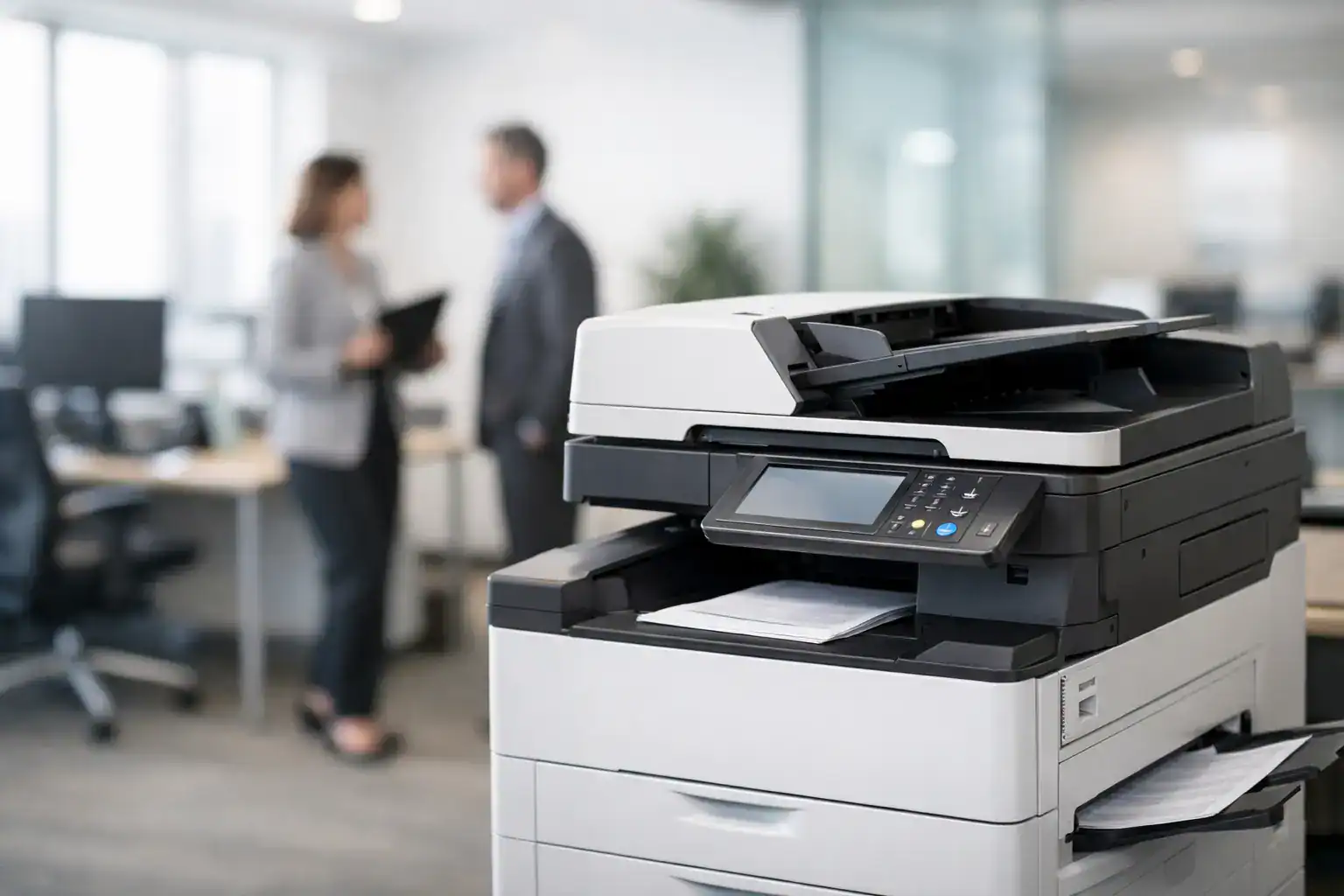
A copier that jams twice a day, burns through toner, or slows down every shared print job does more than frustrate staff. It creates delays, raises operating costs, and puts unnecessary pressure on admin teams. Choosing the best photocopier for office use is less about finding the most advanced machine on paper and more about matching the device to your actual workload, security needs, and support expectations.
For most businesses, the right choice comes down to a few practical questions. How many pages do you print and copy each month? Do teams need fast scanning to email and cloud folders? Is color essential, or is black-and-white enough for daily operations? And just as important, do you want to buy the machine outright, rent it, or bundle it into a managed service model that reduces downtime and keeps costs predictable?
What makes the best photocopier for office use?
The best photocopier for office use is the one that supports your daily workflow without becoming a maintenance issue or a budget problem. Speed matters, but speed alone is not the full picture. A device that prints 45 pages per minute looks strong in a product sheet, yet if your office mainly scans contracts, handles moderate copy volume, and needs secure user access, other features may matter more.
Monthly duty cycle is one of the first metrics worth checking. This tells you the workload the machine is built to handle. A small office with light administrative use can often run efficiently on a compact multifunction copier. A busy operations team, school, clinic, or corporate department usually needs a more durable machine with higher paper capacity, faster first-page output, and stronger finishing options.
Reliability should be treated as a cost factor, not just a technical feature. Lower purchase prices can be attractive at the start, but frequent service calls, inconsistent output, and expensive consumables often make a cheap machine more expensive over time. For business buyers, total cost of ownership usually matters more than sticker price.
Match the copier to your office size and workflow
A small office with five to ten users usually needs something different from a department serving fifty people. If your team prints invoices, scans documents, and occasionally produces client-facing material, a mid-range multifunction copier may be the right fit. It gives you print, copy, and scan capability in one system without pushing you into enterprise-level pricing.
For larger offices, paper handling becomes more important. Multiple trays, high-capacity feeders, duplex printing, and finishing features such as stapling can save time every day. These are not luxury add-ons when teams rely on them for recurring reports, HR files, contracts, and internal distribution.
Color is another decision point that should be based on use, not preference. If your office mainly produces internal paperwork, black-and-white often delivers lower running costs. If you regularly print proposals, presentations, brochures, or branded documents, a color copier may justify the extra expense. The right answer depends on how often color output adds business value.
Key features that matter in day-to-day operations
Print and copy speed should align with how work moves through your office. In a smaller environment, 25 to 35 pages per minute may be enough. In a busier department, 40 pages per minute or more can prevent bottlenecks. Speed becomes even more relevant when several users share the same machine.
Scanning is often underestimated during procurement. Many offices now scan more than they copy. If teams route signed documents, archive records, or share files across departments, look closely at scan speed, dual-sided scanning, file format support, and destination options. A copier that scans directly to email, network folders, and cloud workflows can reduce manual admin work significantly.
Security also deserves more attention than it often gets. Modern photocopiers store data, connect to networks, and handle sensitive business documents. User authentication, secure print release, encrypted hard drives, and activity tracking are increasingly standard expectations, especially for finance, legal, healthcare, and education environments.
Paper capacity and finishing options affect productivity more than many buyers expect. If staff are constantly reloading trays or manually organizing multi-page sets, the device is not fully supporting the business. A well-configured copier reduces touchpoints and frees teams to focus on operational work.
Buying vs renting vs managed print
Not every business should purchase a copier outright. Buying can make sense if your print needs are stable, capital expenditure is approved, and your internal team can manage maintenance relationships efficiently. Ownership gives you full control, but it also means service coordination, consumables planning, and repair risk sit more directly with your business.
Rental is often a better fit for growing companies, temporary project sites, new branch offices, or businesses that want to avoid large upfront spending. It can provide access to better equipment while preserving cash flow. Rental agreements also make it easier to upgrade as your requirements change.
Managed Print Services offer a different advantage. Instead of treating the copier as a standalone product, MPS treats printing as an operational environment that needs monitoring, maintenance, consumables control, and cost visibility. For offices trying to reduce downtime and simplify vendor management, this model can be more effective than purchasing hardware alone. That is especially true when multiple printers and copiers are spread across departments or locations.
Brand matters, but support matters more
Well-known manufacturers such as Konica Minolta, Canon, HP, and Brother each have strong options depending on office size and output needs. Brand reputation can help narrow the field, especially when comparing print quality, hardware durability, and feature sets.
Still, the machine itself is only part of the decision. Local service response, parts availability, maintenance coverage, and setup support often have a greater impact on long-term satisfaction than the logo on the front panel. A dependable service partner can keep a good machine running efficiently. A weak support structure can make even a premium copier feel like the wrong investment.
For procurement teams, this is where the decision becomes commercial rather than purely technical. A copier should be evaluated as part of a service relationship, not just as a box with specifications.
Common mistakes when choosing an office copier
One common mistake is buying too small to save money upfront. That usually leads to performance issues, user frustration, and faster wear. Another is overbuying features the office will never use. A high-end production-style copier may look impressive, but if your team only needs moderate print volume and standard scanning, you may end up paying for capacity that sits idle.
Another issue is ignoring consumables and service costs during comparison. Two machines with similar purchase prices can have very different running costs over three years. Toner yield, drum life, maintenance intervals, and coverage terms should all be reviewed before making a decision.
It is also a mistake to overlook network compatibility and user setup. If the copier does not integrate smoothly with your office systems, the hidden cost appears later in IT time, user complaints, and interrupted workflows.
How to choose with more confidence
Start with your monthly print and copy volume, then look at how many users will share the device. From there, define whether color is necessary, how important scanning is, and what level of security your environment requires. This narrows the options quickly.
Then compare not only hardware specifications, but also the commercial model behind them. Ask what service is included, how quickly support is available, whether supplies are managed, and how easy it is to scale or replace the machine later. Businesses that take this wider view usually make better long-term choices.
For companies that want one source for equipment supply, rental flexibility, and ongoing print support, working with an experienced provider such as Kayan Solutions can make the process faster and more predictable. It reduces the gap between procurement and day-to-day operation, which is where the real value of office equipment is measured.
The best copier is rarely the one with the longest feature list. It is the one that keeps work moving, costs under control, and support close at hand when your office needs it most.


Add comment