
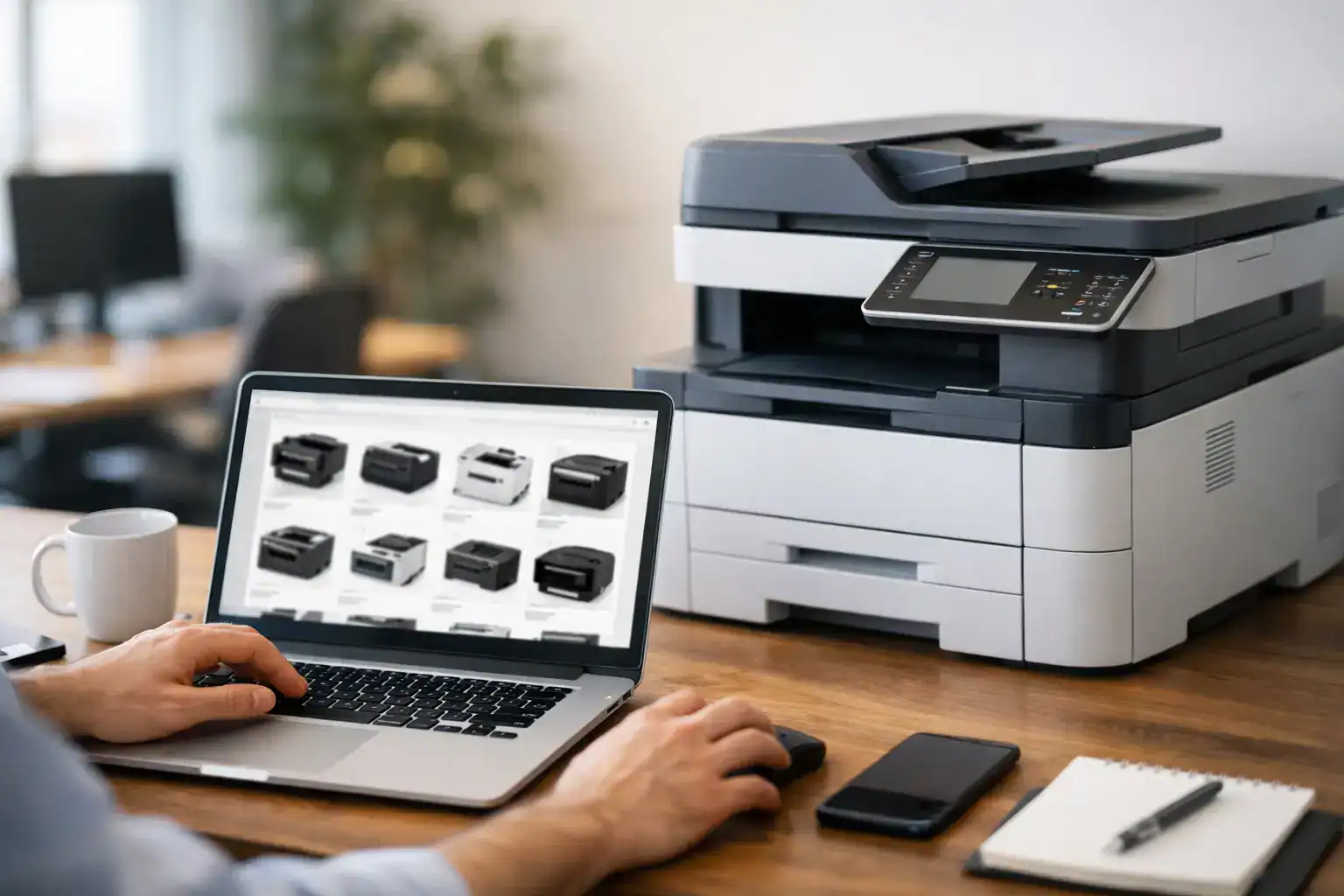
A printer usually becomes a problem at the worst possible time – when invoices need to go out, contracts need signatures, or a team is waiting on critical documents. That is exactly why more businesses now buy office printers online instead of relying on limited local stock or last-minute purchasing. Online procurement gives buyers better visibility into models, features, pricing, and service options, but only if the buying process is handled with the same discipline as any other business technology purchase.
For procurement teams, office managers, and operations leaders, the real question is not simply which printer looks affordable. It is whether the device will support daily workloads, stay reliable under pressure, and fit into a broader operating model that includes maintenance, consumables, and future growth. A low upfront price can still become an expensive choice if the printer is slow, difficult to support, or mismatched to the volume your office actually prints.
Why businesses buy office printers online
The strongest reason businesses buy office printers online is control. Online purchasing makes it easier to compare specifications across brands, review print speeds, evaluate multifunction features, and check whether a device is built for a small workgroup or a high-demand department. It also gives buyers access to a wider range of business-class machines instead of settling for consumer models that are not designed for office use.
There is also a practical procurement advantage. When your team can review print capacity, toner yield, paper handling, connectivity, and support terms in one place, decisions become faster and better documented. That matters for growing businesses that need clear purchasing records and dependable equipment planning, not just one-off buying.
Online sourcing is especially useful when your organization wants a single supplier relationship rather than separate vendors for hardware, toner, service, and replacement equipment. That model reduces coordination issues and can simplify budgeting over time.
What to check before you buy office printers online
The most common mistake is choosing based on brand familiarity alone. Brand matters, but workload fit matters more. A printer that works well in a small administrative office may struggle in a finance department, a logistics center, or a customer-facing branch that prints continuously throughout the day.
Print volume matters more than most buyers expect
Start with monthly print volume. If your office prints a few hundred pages each month, your requirements will be very different from a business producing thousands of pages across multiple users. Underbuying leads to frequent breakdowns, slower output, and shorter equipment life. Overbuying can tie up budget in features your team may never use.
A good purchasing decision balances current demand with realistic growth. If your headcount is expanding, or if your print-heavy processes are increasing, choose a machine with enough capacity to absorb that change without creating operational strain six months later.
Speed, duty cycle, and paper handling
Print speed affects more than convenience. In busy offices, delays at shared devices can slow routine workflows and create unnecessary friction. Look at pages per minute, first-page-out time, input tray capacity, and whether the device supports automatic duplex printing. These are practical features that affect productivity every day.
Duty cycle is another useful indicator, but it should not be read in isolation. A high maximum duty cycle does not always mean the machine is the right fit for sustained daily use. Recommended monthly volume is often a better guide for business purchasing.
Multifunction or print-only
Many offices benefit more from a multifunction device than a standard printer. Scanning, copying, and document sharing can remove the need for separate equipment and help centralize common office tasks. That said, not every department needs every feature. If a team only prints labels, invoices, or internal documents, a dedicated print device may be the better value.
The right choice depends on workflow. A multifunction machine makes sense when teams regularly scan contracts, copy forms, or need one central document station. A print-only unit may be more efficient for straightforward, high-volume output.
Look beyond price and compare total operating cost
The purchase price is only the beginning. Businesses that buy on price alone often miss the larger cost drivers: toner or ink replacement, maintenance frequency, energy use, part availability, and downtime risk. These factors shape the real cost of ownership far more than the initial invoice.
Laser printers are often the preferred choice for office environments because they deliver stronger speed, sharper text output, and lower cost per page for many business applications. Inkjet models can still be a practical option in certain settings, especially where color quality matters, but they are not always the strongest fit for shared office workloads.
Consumables should be reviewed early. High-yield toner options, predictable replacement cycles, and easy supply availability can improve cost control significantly. A printer that appears cheaper upfront may become less attractive if it requires frequent cartridge replacement or uses expensive consumables.
Support should be part of the purchase decision
This is where many online buyers get caught out. A printer is not just a product. For most businesses, it is part of a daily operating process. If it goes down, work slows or stops. That is why support availability should be evaluated at the same time as hardware specifications.
Service coverage reduces business risk
Before purchasing, confirm what happens after installation. Is technical support available? Are maintenance services offered? Can consumables be supplied consistently? Is there a clear path for troubleshooting or repair? These are not secondary questions. They directly affect uptime.
Businesses with multiple departments or branch offices should be especially careful here. Standard consumer-style buying may work for a single desktop printer, but it is rarely the right long-term model for broader office operations.
Managed print and rental can be the better choice
Not every business should purchase outright. In some cases, managed print services or printer rental provide stronger value. If your organization wants predictable monthly costs, maintenance support, supply management, and reduced administrative effort, a service-based model may be more efficient than direct ownership.
This is particularly relevant for growing companies, temporary project offices, or businesses that want to preserve capital while still maintaining reliable print infrastructure. Kayan Solutions operates well in this space because the value is not only in supplying equipment, but in supporting how that equipment performs over time.
Which printer type fits your office setup
Office printer selection should reflect how people actually work. A small professional office with five users has very different needs from a multi-floor business with heavy departmental printing.
For small offices, compact multifunction laser printers often provide the best balance of footprint, speed, and functionality. They support everyday printing, scanning, and copying without taking up too much space or requiring complex setup.
For mid-sized teams, workgroup printers with larger trays, faster output, stronger networking options, and higher monthly volume capacity are usually the better fit. These devices are designed for shared use and can handle more demanding daily traffic.
For larger organizations or print-heavy environments, enterprise multifunction systems and photocopier-class devices often make more sense than standard office printers. At that level, the purchase decision should include service response, fleet management, user access controls, and long-term cost planning.
Common mistakes when buying online
One of the biggest mistakes is choosing a printer built for home use and expecting office-level durability. Another is ignoring connectivity requirements. If your teams rely on wireless printing, cloud workflows, mobile access, or secure network integration, those features should be confirmed before purchase.
Buyers also sometimes overlook physical requirements. Device size, power needs, paper storage, and where the printer will be installed all matter. A machine can look perfect on paper and still be impractical in the actual office environment.
The final mistake is treating printing as a standalone purchase. In reality, it connects to IT support, document workflows, security, budgeting, and business continuity. The better approach is to buy with the full office operation in mind.
A smarter way to buy office printers online
The most effective online purchase is not the fastest one. It is the one that aligns output needs, operating cost, support expectations, and future business growth. That means comparing more than price tags. It means reviewing whether the machine suits your workload, whether support is available when needed, and whether a purchase, rental, or managed service model gives your business the strongest return.
When online buying is handled well, it becomes a more efficient procurement route than traditional offline sourcing. You get wider product access, clearer comparison, and better alignment between equipment and business need. And when the supplier also understands service, fulfillment, and ongoing support, the printer stops being a recurring problem and starts becoming what it should be – dependable office infrastructure.
If your team is preparing to invest in print equipment, make the decision with operational reality in mind. The right device should not only print well on day one. It should keep your business moving when the workload is real.


Add comment